


When it comes to securing a PoE camera network, we're looking at seven essential steps to guarantee extensive coverage, efficient cable management, and robust security. First, strategic network planning and camera placement are key to minimizing blind spots. Next, we need to choose the appropriate PoE switch with enough port capacity and power budget. Maintaining proper cable management is also crucial to avoid damage and interference. We must then configure network settings with strong password policies and encryption protocols. The camera installation and testing steps require careful verification of connectivity and camera settings. Regular firmware updates and security checks help guarantee system reliability. Finally, maintained the system through regular cleanup, connectivity checks, and thorough inspections ensures peak performance.
Key Takeaways
- Strategic Placement: Position PoE cameras to maximize coverage, considering lighting, blind spots, and obstructions, and mount them securely.
- switch Selection: Choose a PoE switch with sufficient port capacity and power budget, opting for managed switches for advanced features and high bandwidth capacity.
- Secure Network Configuration: Implement strong password policies, encryption protocols, and regular firmware updates, setting up VLANs to isolate camera traffic.
- Proper Cable Management: Organize cables using ties, clips, and trays, safeguarding against environmental damage and interference for neatness and performance.
- Regular Maintenance: Regularly check for firmware updates, conduct security checks, and inspect Ethernet cables to ensure peak performance and system reliability.
Network Planning and Camera Placement
When planning the placement of PoE cameras as part of our network, it's vital that we strategically position them to maximize coverage of critical areas while taking into account various factors such as lighting, blind spots, and potential obstructions.
We must make sure that we carefully plan the network to avoid any vulnerabilities. This includes deciding on the ideal locations for camera placement based on the size and layout of the area being surveilled.
Adequate lighting is important for visibility, so we should avoid areas with overly bright or dim lighting conditions. Blind spots and potential obstructions such as trees or other structures also need to be taken into consideration to make certain that all areas are adequately covered.
Moreover, we must make sure that cameras are mounted securely to prevent tampering or interference with their field of view.
Selecting the Right POE Switch
As we embark on creating a secure and reliable PoE camera network, selecting the appropriate PoE switch is a crucial step. For this, we need to take into account several key factors.
In the beginning, we've to pick a PoE switch with enough port capacity to accommodate all our IP cameras. This guarantees that we can link all necessary cameras without running out of ports.
Moreover, we need to evaluate the power budget of the switch. We must verify that it can deliver sufficient power to all connected devices, thereby avoiding any performance issues.
For larger and more intricate systems, managed PoE switches are a preferable choice. They provide advanced network management features, more control over our surveillance system, and enhanced security.
We also need to search for PoE switches with high bandwidth capacity to support multiple high-resolution IP cameras without compromising performance.
Lastly, we should choose a commercial or industrial-grade PoE switch based on our system's size and environmental needs for dependable and secure operation. By taking these factors into account, we can select the appropriate PoE switch for our requirements and ensure a resilient IP camera network.
Ensuring Proper Cable Management
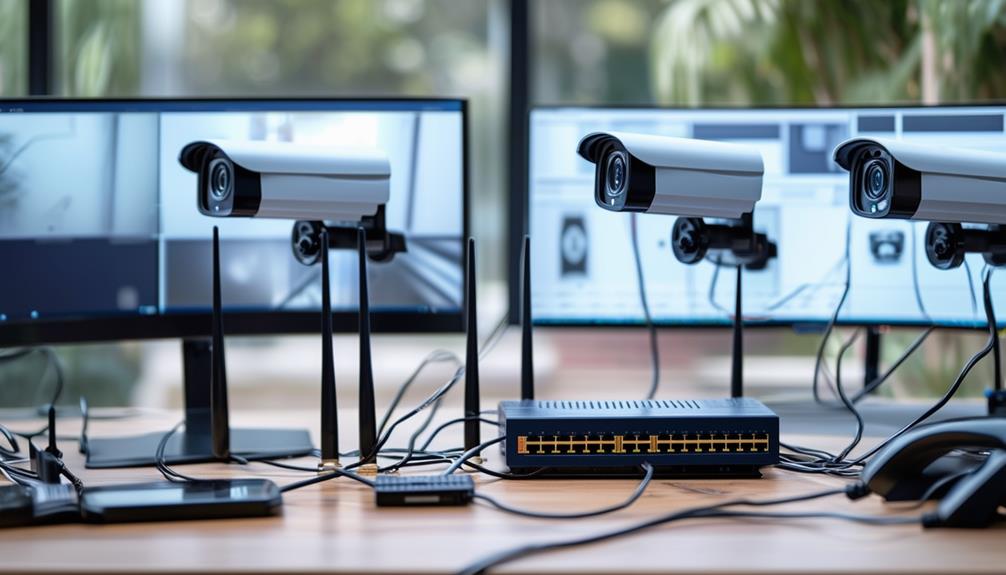
To guarantee the overall efficiency and security of our PoE camera network, we must focus on proper cable management, implementing techniques and tools like cable ties, cable clips, and cable trays to keep Ethernet cables neatly arranged and secure.
These small but crucial components help prevent damage from environmental factors like weather conditions and are also designed to safeguard against various types of interference and RF radiation. Cable management is crucial in ensuring sung efficiency and overall functionality of the PoE camera system.
Keeping Cables Organized:
Utilize cable ties or cable clips to bundle Ethernet cables together, ensuring they're tidy and less prone to damage from tangling or bending. This not only enhances the visual appeal but also prevents potential performance issues.
Network Configuration Security
We guarantee the security of our PoE camera network by implementing robust configuration strategies to thwart potential threats. One essential step is to set up VLANs (Virtual Local Area Networks) to isolate camera traffic from other network devices. This separation prevents unauthorized access and minimizes the risk of data breaches.
Importantly, we also implement strong password policies for all cameras, switches, and routers, ensuring that access remains restricted and secure. For wireless connections, we rely on robust encryption protocols like WPA2 to keep data safe.
Regular firmware updates prevent vulnerabilities from being exploited by outdated software. Our firewall and intrusion systems monitor the network for suspicious activity, shielding our cameras from potential cyber attacks.
Camera Installation and Testing Steps
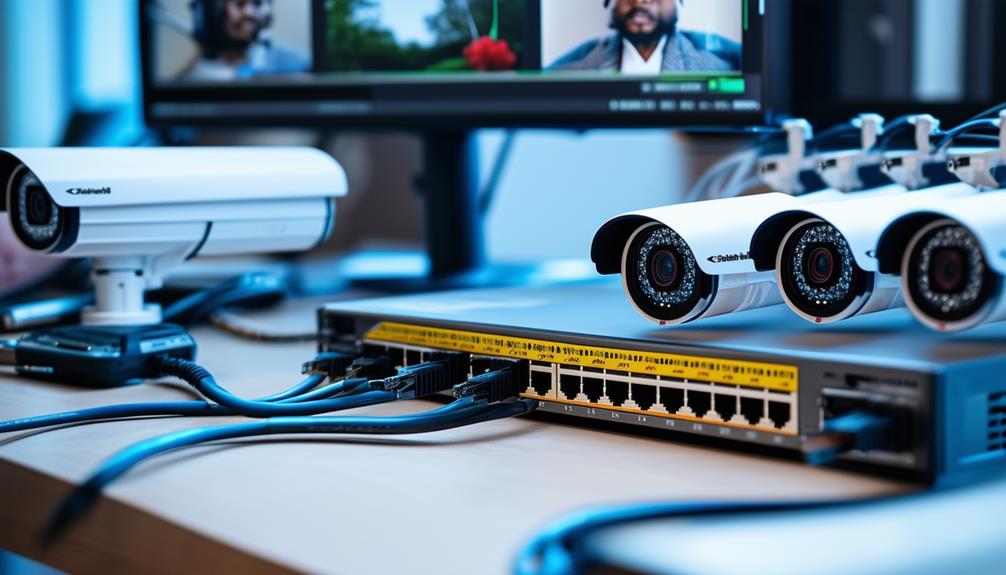
As we set up our secured PoE camera network, we need to guarantee that our cameras are securely mounted in their desired locations and configured to receive power and transmit data through the network. This essential step involves using appropriate tools like screwdrivers and ladders to attach the cameras, making certain they're firmly in place.
Mounting Camera Securely
Carefully selecting and securing the mount for our PoE cameras is necessary to guarantee uninterrupted monitoring and surveillance. We make certain that our cameras are mounted in strategically chosen locations to provide extensive coverage and minimize potential blind spots. We also carefully adjust the field of view and angle to maximize surveillance capabilities and include essential details and facial recognition whenever possible.
To mount our cameras securely, we choose durable hardware that can support the weight of the camera, and guarantee the attachments are secure and weather-resistant. It's vital to follow specific installation guidelines provided by the manufacturer to avoid any potential damage to the camera or mounting equipment.
Furthermore, we double-check all connections and cables to ensure no weak links or vulnerabilities. This safeguards against any disruption to the camera's operation, ensuring that our surveillance system remains robust and reliable.
With proper mounting and setup, we can confidently rely on our PoE cameras for effective monitoring and enhanced security.
Configuring Network Settings
To guarantee our PoE cameras function efficiently and securely, we need to configure their network settings correctly. This emphasizes proper assignment of unique IP addresses to each camera. By doing so, we prevent address conflicts and thereby devices can communicate with each other seamlessly.
Subnet masks play a significant role in defining the range of IP addresses available in the network, enabling the correct routing of traffic between devices. To streamline the setup process and manage our cameras more efficiently, we can utilize DHCP to automatically assign IP addresses, saving time and resources.
Before finalizing the configuration, we must verify that all cameras can communicate with each other by pinging each IP address. This ensures there are no connectivity issues. Once properly configured, we can access the live footage from our cameras using a web browser or dedicated software, giving us a robust and reliable security system.
Firmware Updates and Security Checks
Maintaining our PoE camera system relies on routine maintenance and attention to critical updates.
We guarantee our PoE camera system remains secure and up to date by regularly checking the manufacturer's website for the latest firmware updates, which often include critical security patches. This safeguards us from vulnerabilities that could jeopardize our security.
We emphasize the importance of regular security checks to identify potential weaknesses and promptly address them.
Consistency is key in maintaining confidence in our cameras' ability to provide reliable security. We make sure all cameras are regularly updated to keep pace with ever-evolving security risks.
Our dedication to secure connectivity underscores our commitment to system reliability and security for peace of mind.
Regular Maintenance and Support
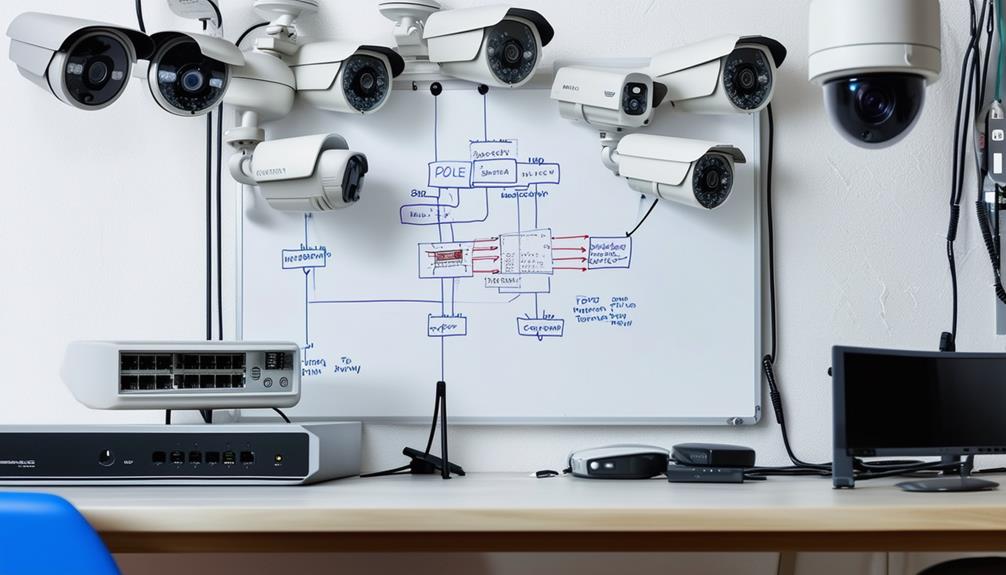
To guarantee our PoE camera network operates at its finest, we need to get into a routine of regular upkeep and support. This includes:
- Cleaning the camera lenses to keep the footage clear.
- Verifying that our recording schedule is up to date.
- Checking all cable connections to prevent any interruptions.
These simple but essential tasks are necessary for maintaining peak performance and peace of mind.
Clean Camera Lenses
By regularly welcoming the gentle touch of our soft fabrics and lens cleaning solutions, we guarantee that our security camera lenses stay crystal clear and provide high-quality video surveillance free from distortion. This critical maintenance maintains that our IP cameras consistently capture sharp images, crucial for reliable surveillance. Dust and debris can swiftly accumulate, obfuscating video quality and potentially hindering important details. It's necessary to address this issue through proper maintenance to prevent any compromise.
Using a soft, lint-free fabric and a lens cleaning solution, we delicately wipe the lenses in a circular motion, avoiding abrasive materials and harsh chemicals. This approach ensures the lenses remain scratch-free and free from streaks, allowing our cameras to focus on their primary task: providing high-quality video feeds.
Verify Recording Schedule
1 | Step
———|—————-
check | Inspect that cameras are recording.
check | Maintain continuous video recording.
To prevent chaos and secure continuous video recording in our PoE camera network, we must regularly check the recording schedule. Making sure that cameras are consistently capturing footage maintains security protocols and ensures that no gaps exist in surveillance footage. Any issues with the recording schedule must be promptly addressed to prevent security vulnerabilities. By checking the schedule, we confirm that recording discrepancies are quickly resolved, providing reliable support for optimal system performance.
Checking the recording schedule regularly is key to maintaining that our network cameras are functioning correctly and providing thorough surveillance coverage. This essential step in regular maintenance ensures that our security measures are consistent and dependable.
Check Cable Connections
We meticulously examine the PoE cable connections to guarantee stable data transmission and power supply for our cameras. Securing reliable connectivity is essential for the success of our surveillance system. Loose or damaged cable connections can result in network disruptions and camera malfunctions in a PoE system. These issues can jeopardize the security and integrity of our setup, posing the risk of undetected breaches.
Proper cable management is vital for maintaining a secure and dependable PoE camera network.
To mitigate these risks, we periodically inspect our Ethernet cable connections, making sure that they're secure and well-maintained. This proactive approach helps prevent potential security risks and ensures continuous surveillance coverage. We check for signs of wear and tear on the cables, as well as any new damage. If we encounter persistent issues with cable connections in our PoE camera network, we don't hesitate to seek professional support.
This thoroughness guarantees our security system remains effective in protecting our property.
Frequently Asked Questions
How Do I Set up Poe Security Cameras?
To set up PoE security cameras, we plan the camera placement, secure the cameras to their mounts, connect them to a PoE switch or NVR with a good Ethernet cable, and test everything to guarantee the best possible performance and integration into our smart home system.
How Do I Setup a Security Camera on My Network?
We set up a security camera on our network by optimizing network settings, ensuring data encryption for secure transmission, and strategically placing cameras for maximum coverage and visibility.
What Are the Steps to Configure IP Camera?
'We set up our IP cameras by configuring network settings, assigning unique IP addresses, and defining the subnet mask. We also set the gateway IP and DNS server to guarantee seamless communication.
How Do I Connect My Poe Camera to My Router?
We quickly connect our PoE camera to the router by linking it to a PoE switch or injector, ensuring stable and secure network connectivity and effortless camera setup, then troubleshoot any connection issues.