
Google opened preorders on November 12 for its new camera glasses, which it calls Intelligent Eyewear. They go on sale "in stores and online on December 10," according to Google's announcement. Warby Parker frames start at $395 and Gentle Monster frames at $449. Samsung, which built them with Google, lists a 12MP camera, four microphones and open-ear speakers. The glasses work only with Google accounts from the United States and South Korea.
On the same day, Google published a separate post on what the glasses do about the people in front of the camera. Two of its rules concern faces. The glasses are "designed to automatically redact bystanders' faces before Gemini processes the visuals." And Google Play policies bar apps from using the camera for "real-time facial identification."
Those rules cover some uses of the camera and not others. The details are below.
Facts are current as of November 14, 2026.
When the light comes on, and when it does not
The glasses use the camera in two ways: to take photos and video for the wearer's gallery, and to show Gemini, Google's AI assistant, what the wearer is looking at.
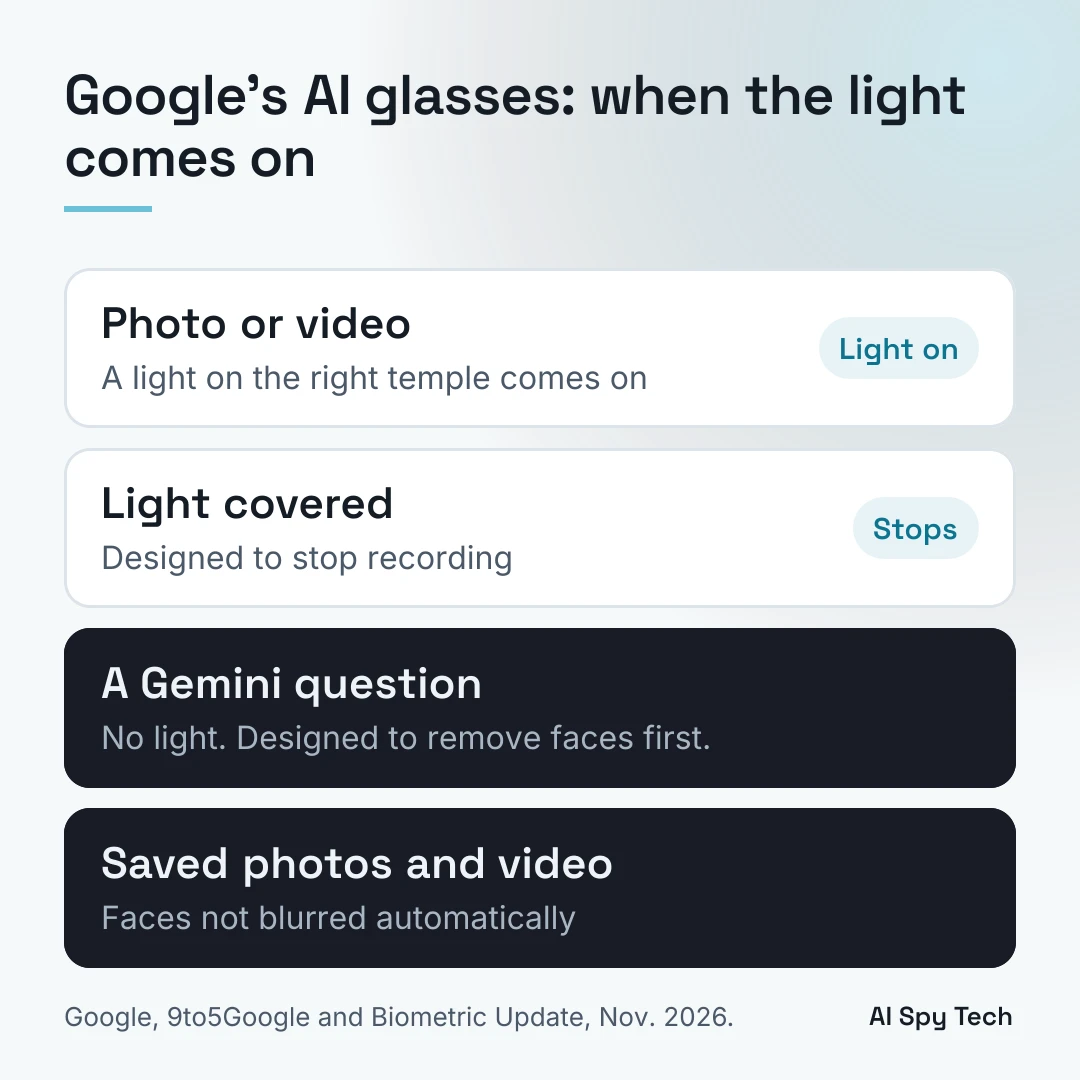
For photos and video, Google says "an outward-facing LED indicator lights up to let people around you know." The light sits on the right temple, per the image description in Google's post. Video clips are limited to 90 seconds, Google told 9to5Google.
For Gemini, the light "doesn't activate," 9to5Google reported. The camera can see you during a Gemini question without the light coming on. This is where face redaction applies.
Google's Safety Center page on the glasses adds two rules about the light:
- "If tape, paint, hair, or anything else covers the light, the glasses are designed to stop in-progress recording and not take photos or video."
- Tamper detection is "designed to detect if the indicator light's internal components or wiring are compromised or modified and automatically disable photo and video recording."
Samsung says a "wear-detection feature will automatically turn off the camera when the eyewear is removed," and that the wearer gets a light and sound notice when the camera captures. Every pair also has a physical off switch, per Google.
What face redaction covers
Google's Safety Center calls the feature "on-device face and voice protections." 9to5Google reported that "your phone automatically redacts faces from the image before it's sent to Gemini," and that this "happens locally on the phone." Google's own pages say the glasses do it, on the device. Either way, Google says the glasses are designed to remove faces before Gemini processes the image.
Redaction applies to Gemini questions. Photos and videos saved to the wearer's gallery are not anonymized automatically, Biometric Update reported. If you are in a photo the wearer takes, your face is in the photo. None of Google's pages says whether a wearer can turn redaction off.
On what Gemini keeps, Google's privacy post says "camera visuals aren't saved in your Gemini History" and are "not used to train AI models or target ads." 9to5Google reported that camera captures used for Gemini are "deleted immediately." The text of the wearer's chats is saved in Gemini History, and by default Gemini deletes activity after 18 months, according to the Gemini Apps Privacy Hub.
What Google's rules say about facial recognition
There are two rules, one for Google's assistant and one for other companies' apps.
For Gemini, the Safety Center says: "Gemini on glasses is designed to not recognize faces of people around you."
For apps, Google's Android XR app policy, last updated October 20, 2026, lists "facial recognition or biometric identification" and "surveillance" as prohibited activities. It says: "Apps must not use camera sensors to run facial identification to surface bystander Personally Identifiable Information (PII). For example: names, home addresses, phone numbers, or their employer." Apps also "must not use the microphone array to identify non-wearer voices," and "must not change, dim, or disable the system-enforced world-facing LED."
Wearers agree to rules too. Per the Safety Center, they agree not to record people without permission, not to record in sensitive places and not to cover the light, and breaking the rules "may result in glasses functionality termination." Google Ads and Shopping also ban ads for products that hide recording lights.
Biometric Update's headline says the glasses "raise questions about enforcing biometric privacy protections." It reported that Google's documentation "does not establish how those restrictions would be enforced against apps distributed outside Google Play."
How Meta's glasses compare
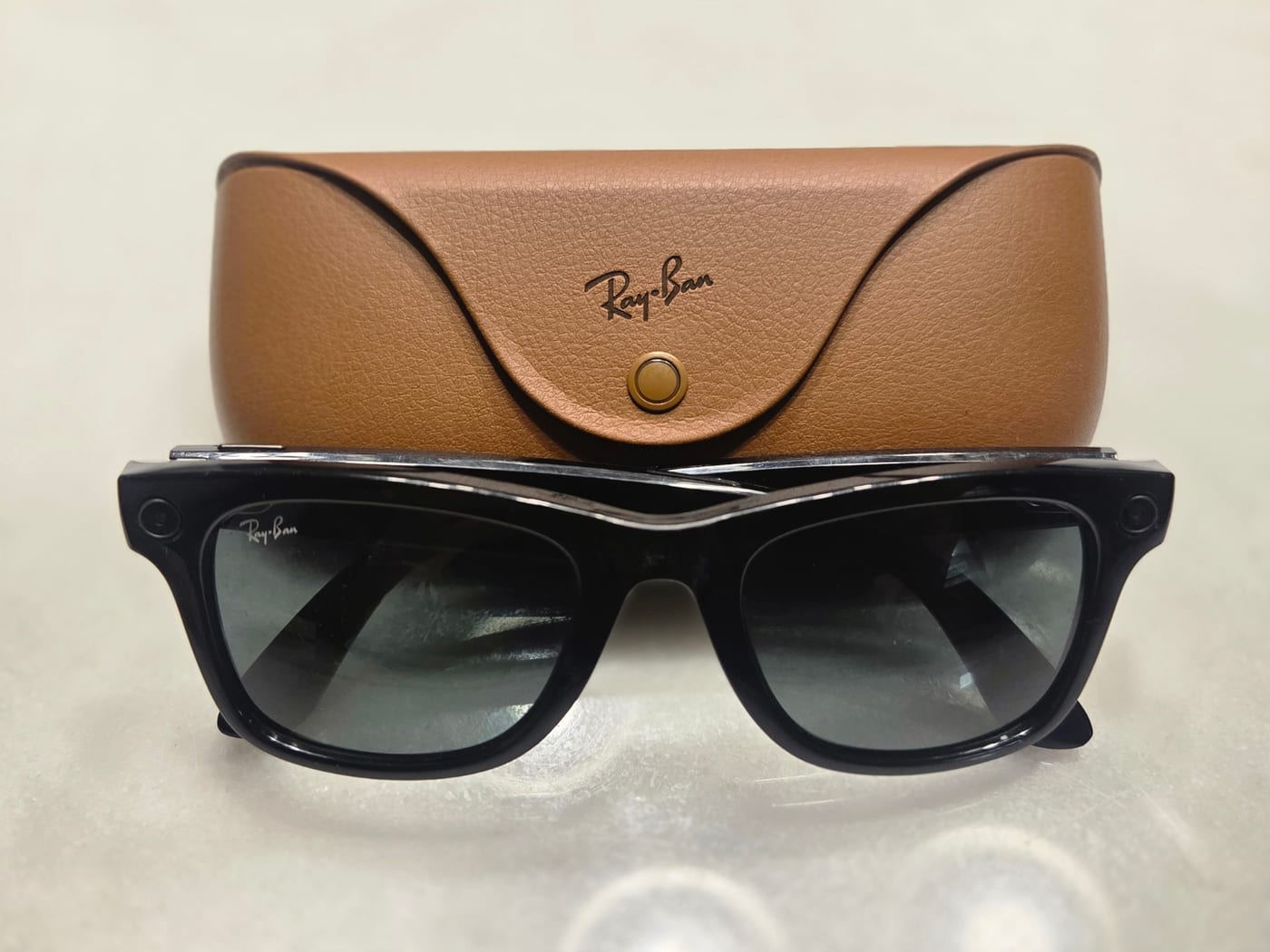
Meta's Ray-Ban glasses have a similar light. Meta's privacy page calls it "a bright white light" that blinks during capture, and says the glasses "automatically disable the camera" if they detect the light was "covered, physically tampered or destroyed." Meta also says faces and license plates are "automatically blurred" in Meta AI questions.
The New York Times reported in February that Meta had considered a face recognition feature called "Name Tag." Meta has not released one. The full history is in our guide to face search sites and smart glasses.
Regulators and lawmakers have spoken about smart glasses in general and about Meta's. On October 13, Anu Talus, chair of the European Data Protection Board, said recording warnings on smart glasses "need to be reliable, hard to ignore, and always up to date." Biometric Update reports that Senators Ed Markey and Ron Wyden wrote to Meta about its glasses on October 29.
What you can do around camera glasses
- Know the light. On Google's glasses, it is on the right temple and comes on for photos and video. On Meta's, it is a white light that blinks. A light that is off does not mean the camera is off: Google's light stays off during Gemini questions.
- Ask. Google's terms ask wearers not to record people without permission. If someone wearing camera glasses is near you, you can ask whether they are recording.
- Check where you are. Some schools, courts, restaurants and venues ban smart glasses, Ars Technica reported. Ask the venue for its policy.
- Make your face harder to look up. Face search sites match a photo of a face to other photos online, which can lead to a name. In 2024, two Harvard students showed this with Ray-Ban Meta glasses. You can opt out of PimEyes and FaceCheck.ID for free, and of Clearview AI in 13 states. The steps are in our guide to face search sites.
- Cut the link from name to address. People-search sites turn a name into a home address. See how to remove your personal information, free steps first.
Frequently asked questions
When do Google's AI glasses come out?
Preorders opened November 12, 2026. The glasses go on sale in stores and online on December 10. They work only with Google accounts from the United States and South Korea.
Do Google's glasses have facial recognition?
Google says Gemini on the glasses is designed not to recognize the faces of people nearby, and its app policies bar apps from using the camera for facial identification.
Will I know if Google's glasses are recording me?
For photos and video, a light on the right temple comes on, and Google says the glasses are designed to stop recording if the light is covered. When the wearer asks Gemini about what they see, the light does not come on, 9to5Google reported, and Google says the glasses are designed to remove faces before Gemini processes the image.
Does Google blur my face in photos?
Only in images sent to Gemini. Photos and videos the wearer saves are not anonymized automatically, according to Biometric Update.
Does Google keep what the glasses see?
Google says camera images sent to Gemini are not saved in Gemini History and are not used to train AI models or target ads. The text of the wearer's Gemini chats is saved and, by default, deleted after 18 months.