
The short answer
AI threat detection is software that watches computers, networks, email and logins, learns what normal activity looks like, and flags what does not fit. Classic antivirus mostly matched files against a list of known fingerprints. The AI part looks at behavior, so it can flag an attack nobody has seen before. Companies buy it as EDR, XDR or SIEM tools. You already run free versions: Windows, Gmail, Google Messages and Pixel phones use machine learning to catch malware, spam or scam calls.
What to know
- It learns normal, then flags odd behavior
- People still have to sort through its alerts
- It records what staff do at work
- Attackers use AI too
- Free versions already guard your PC, email and phone
Company and government details come from each source's own page, read on November 20, 2026, unless another source is linked. The ransomware section and the company table were read on November 26, 2026.
How AI threat detection works
Most tools follow the same four steps.
- Collect. The software pulls in records from laptops and phones, network traffic, email, logins and cloud accounts. NIST, the federal standards agency, defines a SIEM as an application that gathers this security data and presents it "via a single interface".
- Learn normal. A model builds a picture of usual activity: who logs in, when, from where, and which machines talk to each other. Darktrace says its network product "learns what is normal behavior for your entire network" and that its AI is trained separately for each deployment.
- Score. Activity that does not fit gets a risk score. For example, a login at 3 a.m. from another country, or a laptop sending a large amount of data to a server it has never used.
- Act. The tool alerts a person, or acts on its own, for example by cutting a laptop off the network. Tools that automate these steps are called SOAR.
The difference from old antivirus is step 2. Signature-based antivirus compares each file with a list of known bad files, so a new or changed file with no entry can pass. A behavior model looks at what a file or account does, not only what it is. CrowdStrike, for example, says it applies machine learning across its Falcon platform to detect threats.
EDR, NDR, XDR, SIEM, SOAR, UEBA: what the letters mean
| Term | Watches | What it does |
|---|---|---|
| EDR (endpoint detection and response) | Laptops, desktops, servers, phones | Uses "real-time analytics and AI-driven automation" to protect each device (IBM) |
| NDR (network detection and response) | Network traffic | Detects "abnormal network behaviors" with behavior analysis (Gartner) |
| XDR (extended detection and response) | Many sources at once | Ties security tools together across devices, email, networks and cloud (IBM) |
| SIEM (security information and event management) | Logs from everything | Gathers security data into one screen (NIST) |
| SOAR (security orchestration, automation and response) | Alerts from other tools | Combines incident response, automation and threat intelligence in one platform (Gartner) |
| UEBA (user and entity behavior analytics) | People and accounts | Flags "abnormal and potentially dangerous user and device behavior" (IBM) |
NIST's glossary lists EDR, XDR, SOAR and UEBA as terms but gives no definition, so those rows use Gartner, an analyst firm, or IBM, which sells these tools.
Ransomware detection, and the free Windows setting that blocks it
Ransomware is malware that blocks access to your files until you pay (Microsoft). Behavior-based tools do not wait for a known file fingerprint. They watch what a program does to your files. Microsoft says the behavior monitoring in Defender Antivirus watches process, file and service activity in real time, can detect "unusual file changes", and catches threats that do not match known malware signatures. It is on by default.
- Turn on Controlled folder access (Windows, free). It lets only trusted apps change files in protected folders such as Documents, Pictures, Videos and Music, and blocks the rest. It works on any Windows edition that includes Microsoft Defender Antivirus, including Windows 11 Home, as long as Defender is your active antivirus with real-time protection on. It does not work if another antivirus has taken over. It is off by default. Windows Security > Virus & threat protection > Manage settings > Manage controlled folder access, then turn it on. If it blocks a program you trust, use "Allow an app through Controlled folder access" on the same screen.
- Keep files in OneDrive. OneDrive notifies you when its ransomware detection finds an attack and walks you through the restore. Without a Microsoft 365 subscription, your first notification and recovery is free. Restoring your whole OneDrive to an earlier date in the last 30 days needs a subscription; single files can be restored without one.
- If it happens anyway. Microsoft's advice: "Don't pay money to recover your files."
Who sells AI threat detection
These are business products. The table lists who sells what, in each company's own words; it is not a ranking.
| Company | Product | What the company calls it | Its AI claim |
|---|---|---|---|
| CrowdStrike | Falcon Insight XDR | EDR | "native AI" |
| Microsoft | Defender for Endpoint | Endpoint security | "AI-powered cyberthreat protection" |
| Microsoft | Sentinel | SIEM, with SOAR and UEBA built in | "AI-powered detection and response" |
| SentinelOne | Singularity Endpoint | EPP and EDR | "AI-powered EDR" |
| Darktrace | Darktrace / HYBRID NETWORK | NDR | "Adaptive AI" |
| Vectra AI | Vectra AI Platform | NDR | "advanced AI/ML" |
| Palo Alto Networks | Cortex XDR | Endpoint security | "AI-driven analytics" |
| Splunk | Enterprise Security | TDIR platform: SIEM, with SOAR and UEBA in the Premier edition | "machine learning" |
Microsoft's business page links a separate home product, Defender for individuals, which comes with a Microsoft 365 Personal or Family subscription.
Where AI threat detection falls short
- Too many alerts. In a 2023 Vectra survey of 2,000 security analysts, teams got 4,484 alerts a day on average and were unable to deal with 67% of them. 83% of analysts said alerts are false positives and not worth their time. Vectra sells threat detection tools, and the data is from 2023.
- Normal changes. A new job, a trip or a new app can look odd and set off a false alert. An attacker who logs in with a real, stolen password can look normal.
- Attackers use AI too. In May 2024 the FBI's San Francisco office warned of criminals using AI for "sophisticated phishing/social engineering attacks and voice/video cloning scams". In December 2024 the FBI's IC3 said criminals can use AI audio to sound like a relative and ask for money, and suggested creating a secret word or phrase with your family to verify their identity.
Threat detection on cameras
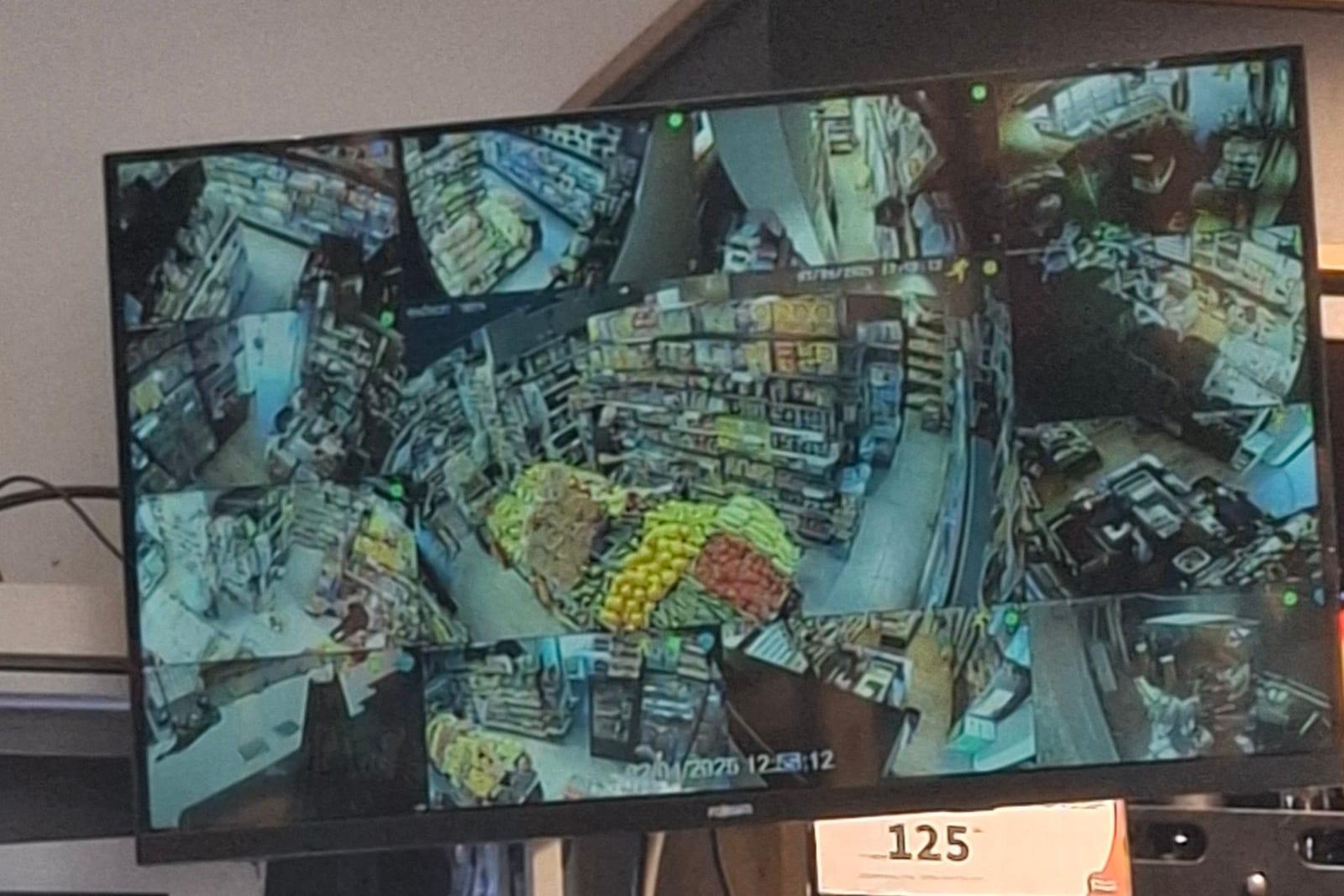
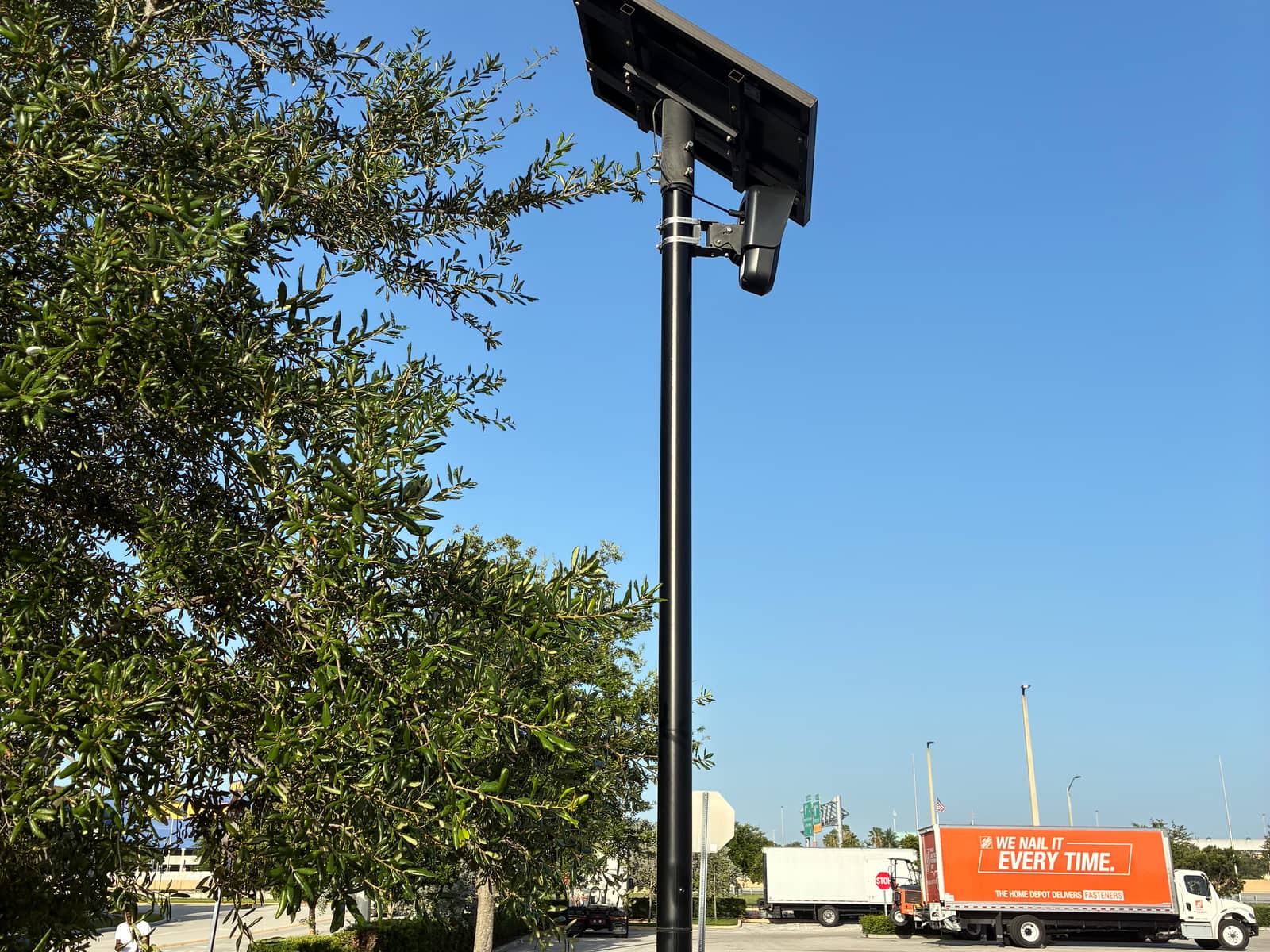
The same idea runs on video. Some schools run AI gun detection on their existing security cameras to spot a visible gun. At home, an AI security camera uses a small model to tell a person from a branch in the wind, and Frigate does the same on a computer in your house, so the video stays home unless you turn on a feature that sends images out.
What it sees about you at work
To flag odd behavior, these tools first record normal behavior. On a work laptop or work account, that can include when and where you log in and which files and programs you use. Three states require employers to tell you:
- New York. Private employers must give "prior written notice upon hiring" to employees subject to electronic monitoring, post the notice, and get your acknowledgment. The attorney general can fine an employer up to $500 for a first offense, $1,000 for a second and $3,000 for each offense after that.
- Connecticut. Employers must give prior written notice of the types of monitoring. Since October 1, 2026, a new law also requires the notice to say where on the premises monitoring happens, and gives workers hired on or after that date a plain-language statement of which prohibited activities can be monitored without notice.
- Delaware. Employers must give notice, either each day on screen or once in writing that you acknowledge. The fine is $100 per violation.
Treat a work device as watched. Do banking, health questions and job hunting on your own phone or computer, not on the work network or the work VPN. In New York, Connecticut or Delaware, you can ask HR for the monitoring notice.
Frequently asked questions
How is AI used in threat detection?
AI models learn what normal activity looks like for a network, device or account, then score activity that does not fit. A person or an automated rule decides what to do with the alert. See how it works above, and our guide to machine learning in cybersecurity.
What are the best AI-powered ransomware detection systems?
For a home PC, start with what Windows already has: Defender's behavior monitoring is on by default, and Controlled folder access adds a block on untrusted apps changing your files. Businesses buy behavior-based detection in EDR and XDR tools, like the ones in the table above. The table lists who sells what; it is not a ranking.
Does CrowdStrike use artificial intelligence?
Yes. CrowdStrike says it "applies machine learning across the CrowdStrike Falcon platform to deliver advanced threat protection."
Who is the leader in AI security?
There is no single leader. EDR, NDR, XDR and SIEM tools are sold as different products, and Gartner rates them in separate review markets, such as NDR. See who sells what above.
Do I need AI threat detection at home?
For most people, the free tools in the AI Spy Alert are the place to start: Defender, Gmail, Chrome and the scam filters on your phone. Keep your devices updated. The Microsoft Defender app for individuals adds more features, but it comes with a Microsoft 365 Personal or Family subscription, so it is not free.
Can it stop AI voice scams?
Partly. iPhone Call Screening asks unknown callers why they are calling before your phone rings, and Pixel Scam Detection warns you during a call that looks like a scam. If a cloned voice gets through, the FBI's IC3 suggests a secret word or phrase agreed with your family to check who is calling.