
Have I Been Pwned (haveibeenpwned.com) is a free website that tells you if your email address showed up in a known data breach. You type in your email, and it lists the breaches it appeared in. A match means your email and some other details were in a leaked file. It does not mean someone has broken into your account.
The short answer
Have I Been Pwned (HIBP) is run by security researcher Troy Hunt, and has been online since 2013 (About). On November 24, 2026, it listed 1,055 "pwned websites" and 17,863,315,853 "pwned addresses" (home page). It does not store passwords next to email addresses, and it says it does not keep the emails you search for (FAQ, Privacy). If your email shows up, change the password on that site and on any site where you used the same one, and turn on two-step sign-in. If it does not show up, that does not prove your data is safe: the site only knows the breaches it has loaded.
Facts are current as of November 24, 2026. HIBP's counts change each time it loads a new breach.
What Have I Been Pwned is
"Pwned" comes from video game culture and is a play on "owned." HIBP says it implies "someone has been controlled or compromised" (FAQ). Troy Hunt built the site "as a free resource for anyone to quickly assess if they may have been put at risk due to an online account of theirs having been compromised or 'pwned' in a data breach" (About).
When a breach file is found, HIBP loads the email addresses from it and records which breach each one came from. When you search, it shows that list. The legal owner is Superlative Enterprises Pty Ltd, based in Queensland, Australia (Privacy, updated May 2025).
Other tools use its data. Mozilla Monitor says it "gets its data breach information from a publicly searchable source, Have I Been Pwned" (Mozilla FAQ). The password managers 1Password and Bitwarden use it to flag leaked passwords (1Password, Bitwarden).
Is Have I Been Pwned safe and legit?
It is a real service with a long track record, and its own pages explain what it keeps.
- No passwords next to emails. "When email addresses from a data breach are loaded into the site, no corresponding passwords are loaded with them" (FAQ).
- Searches are not stored. "We do not collect or store your personal information when you conduct a search in the HIBP database" (Privacy).
- Some server logs exist. The privacy policy says web server logs are kept "for up to 31 days" and "may include information submitted in a form by the user" and "in some cases, the user's IP address." The FAQ says "Nothing is explicitly logged by the website" apart from analytics and performance monitoring (FAQ).
- You take its word on harvesting. The FAQ asks, "How do I know the site isn't just harvesting searched email addresses?" and answers, "You don't, but it's not" (FAQ).
HIBP does not show leaked passwords or other leaked values. It shows which breaches an address was in and what kinds of data each breach held (Privacy).
What a result means, and what it does not
A result is a list of breaches. Each one names the site, the date, and the kinds of data that leaked, such as email addresses, passwords, phone numbers or birth dates.
A match means your email was in that leaked file. If the breach included passwords, treat the password you used on that site back then as exposed. Anyone who has the file can try that password on your other accounts.
A match does not mean your account was taken over, or that your current password is known. Many breaches are years old.
No match does not mean you are safe. HIBP says "just because your email address wasn't found here doesn't mean that it hasn't been compromised in another breach" (FAQ). It only knows the breach files it has loaded.
Some breaches are hidden from public search. HIBP marks some breaches "sensitive" (the FAQ lists "presently 90"). They show only after you prove you own the email by signing in to the free dashboard (FAQ, dashboard).
How the password check works
Pwned Passwords checks whether a password has appeared in any breach. You do not send the password. HIBP says "your password is hashed locally and only the first 5 characters of the SHA-1 hash are sent to the API. The service returns a list of matching suffixes, and the full comparison happens on your side so the password itself remains private."
In plain terms, your browser turns the password into a long code, sends only the first 5 characters of that code, and gets back a list of possible matches. The final check happens on your own device.
If a password is found, HIBP says "A Pwned Password should no longer be used" (FAQ). It does not know whose password it was.
Can you search a phone number?
Not on the website any more. In May 2025, Troy Hunt wrote "we've dropped username and phone number search support from the website," because "it created confusion and support overhead." Phone search is still available through HIBP's API, which is for developers (HIBP 2.0 post).
Stealer logs: the result to act on first
Most breaches happen to a company. A stealer log happens to your own computer. HIBP explains: "Stealer logs are the result of malicious software running on infected machines that collect email addresses, passwords and the website they're entered into at login" (FAQ).
This kind of malware is called an infostealer. Microsoft says it "can harvest credentials (usernames, passwords, and session cookies)," and that attackers can sign in "even bypassing MFA if they have a session cookie" (Microsoft Security Blog, June 2026). A session cookie is the small file that keeps you signed in. The FBI says that with a stolen "Remember-Me" cookie, a criminal can "sign-in as the user without needing their username, password, or multifactor authentication (MFA)" (FBI Atlanta).
The order of steps matters here. Security researcher Jeremiah Fowler writes: "Resetting passwords alone will not help if the malware remains active, because it may capture the new ones as soon as they are entered" (ExpressVPN research). Clean the device first, then change passwords and sign out of other sessions.
To see stealer log entries, sign in to the free dashboard with your email. HIBP says "Signing in does not create an account or permanently store your email address." The dashboard lists the websites where the malware caught your email.
HIBP has loaded stealer logs since August 2024 (HIBP), including 183 million addresses from the Synthient collection in October 2025 (Troy Hunt).
What to do if your email is on the list
These steps come from the FTC, CISA and the companies named. All are free.
- If the dashboard shows stealer logs, scan for malware first. On Windows, open Windows Security, then Virus & threat protection, then Scan options, and run "Microsoft Defender Antivirus (offline scan)." Microsoft says it runs "after a restart, without loading Windows, so any persistent malware has a more difficult time hiding" (Microsoft). On a Mac, the built-in XProtect checks apps on its own and "When XProtect detects known malware, it blocks it and moves it to the Trash" (Apple). Fowler's advice for important accounts: "use a separate clean device to change passwords and revoke active sessions."
- Change the leaked password. The FTC says: "immediately change the password you use with that company and on your accounts using a similar password" (FTC).
- Make every password different. CISA says to "Create long, random, unique passwords with a password manager," at "At least 16 characters" (CISA). A password manager creates, stores and fills them in for you. Bitwarden has a free plan (Bitwarden). Apple has the Passwords app on iPhone (Apple), Google has Google Password Manager (Google), and Microsoft has Microsoft Password Manager in Edge (Microsoft).
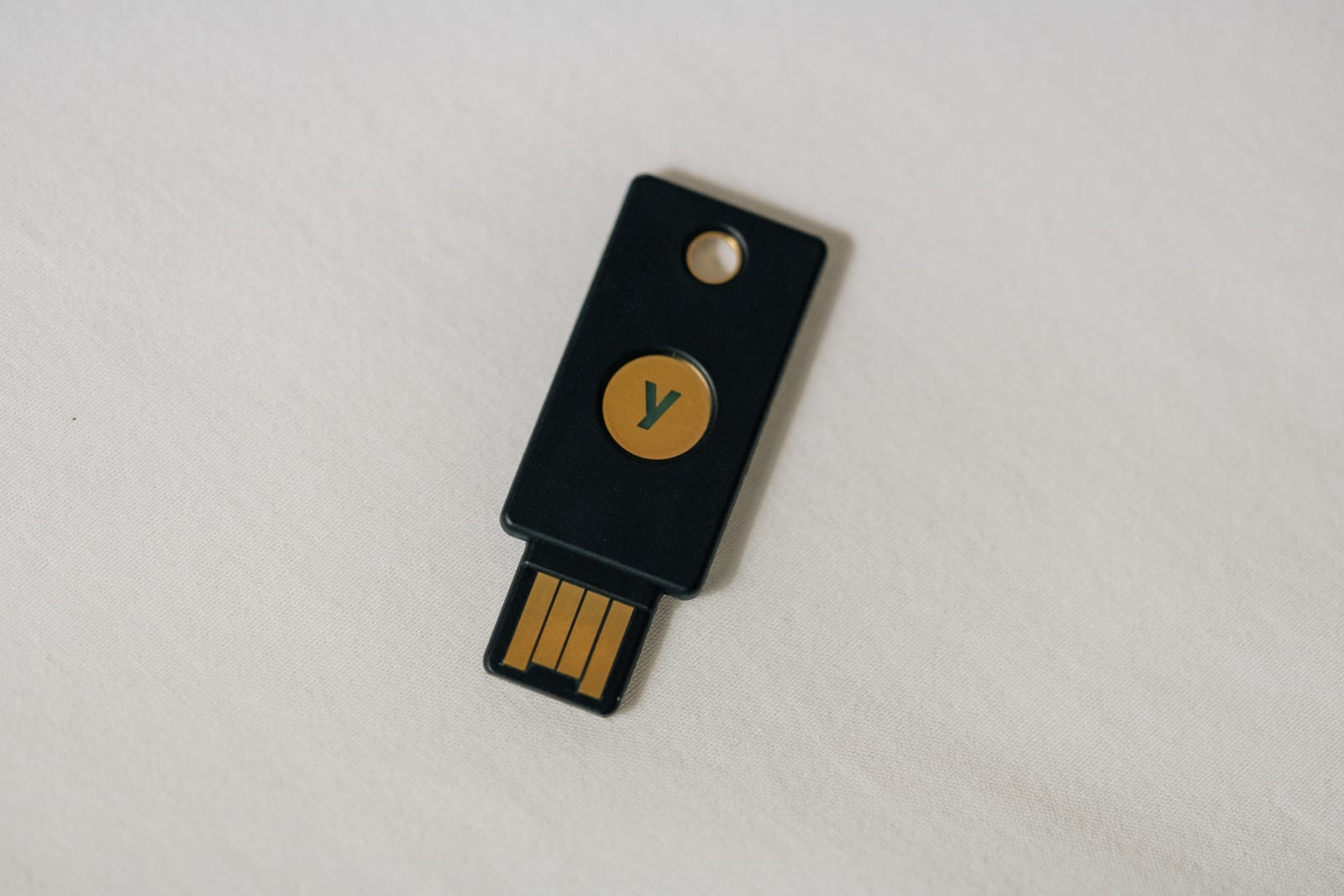
- Turn on two-step sign-in. The FTC says a code from an authentication app or a security key "helps secure your account even if your password is exposed." CISA says to turn it on "especially for your email, social media accounts and financial accounts."
- Switch to passkeys where you can. A passkey signs you in with your phone or computer's lock (face, fingerprint or PIN) in place of a password. The FIDO Alliance says passkeys "are always strong and phishing-resistant" and "there are no passwords to steal" (FIDO Alliance). The same page notes that "Passkeys backed by passwords or synced across devices are vulnerable to theft," so the account they sync through needs a strong password and two-step sign-in too. Setup steps for Google, Apple and Microsoft are in our guide: what a passkey is and how to turn one on.
- Sign out of other sessions. Fowler's advice is to "revoke active sessions" (ExpressVPN research). These menus do that.
- Google: Google Account, Security & sign-in, Manage all devices, pick a device, Sign out (Google). Google also says changing your password signs you out "everywhere except" devices you use to verify it is you and some apps you gave access (Google).
- Microsoft: on the account security dashboard, Additional security options, then "Sign out everywhere." Microsoft says it takes effect "Within 24 hours" (Microsoft).
- Apple: Settings, your name, then tap a device you do not know and "Remove from Account" (Apple).
- Facebook: Accounts Center (or Meta Account settings), Password and security, Where you're logged in, pick your account, Select devices to log out, then Select all and Log out (Meta).
Get told about the next breach
HIBP's Notify Me service sends a free email when your address shows up in a newly loaded breach. You enter your email and click a link to confirm it. HIBP says it stores "Only the email address, the date they subscribed on and a random token for verification" (FAQ).
The paid plans on HIBP's subscription page start at $4.39 a month, billed yearly. They are for developers and companies that check many addresses or whole domains. Searching your own email, Notify Me, the dashboard and Pwned Passwords are free.
Other free ways to check
| Tool | What it checks | Where to find it |
|---|---|---|
| Mozilla Monitor | Your email, using HIBP's breach data | monitor.mozilla.org, "Get free scan" |
| Google Password Checkup | Passwords saved in your Google Account: exposed, weak, or reused | passwords.google.com/checkup |
| Apple Passwords | Passwords saved on your iPhone that appear in known data leaks | iPhone: turn on in Settings, Apps, Passwords, Detect Compromised Passwords; results in the Passwords app, Security |
| Microsoft Edge Password Monitor | Passwords saved in Edge, against a database of leaked passwords | Settings, Passwords and autofill, Microsoft Password Manager, Password security check |
| Bitwarden Data Breach report | Your email, using HIBP. Bitwarden says this report "is free for all users" | In the Bitwarden web app, Reports |
Google, Apple and Microsoft check the passwords you saved with them. HIBP and Mozilla Monitor check your email address. The two kinds of check answer different questions, so running one of each covers more.
If the Passwords app on your iPhone flags a password as compromised, that is Apple's version of this check. Apple says iPhone "can monitor your passwords and alert you if they appear in known data leaks." It means the password itself was found in a leak, not that your account was opened.
Can you remove your email from Have I Been Pwned?
You can hide it from public search. HIBP's opt-out page offers three choices: removal from public search only, removal of all current and future breaches, or deleting the address entirely. With the last choice, HIBP says, "If a future breach is loaded that includes your address, it will become publicly searchable again" (Privacy).
You cannot remove one breach from your list. HIBP says "The fact the email address was in the breach is an immutable historic fact" (FAQ). Opting out does not delete the leaked file, which other people may still have.
For the latest exposure, see the open database with about 2 billion stolen logins, reported November 24, 2026.
Frequently asked questions
Is Have I Been Pwned legit?
Yes. It has run since 2013, it is used by Mozilla Monitor, 1Password and Bitwarden, and its FAQ and privacy policy explain what it stores.
Is it safe to enter my email?
HIBP says it does not store the emails you search for and does not store passwords next to email addresses. Its privacy policy says server logs are kept for up to 31 days. The site shows which breaches an address was in and what kinds of data leaked, not the leaked data itself.
Is it safe to type my password into Pwned Passwords?
Your password does not leave your device. Only the first 5 characters of its SHA-1 hash are sent, and the match happens on your side.
What does "Oh no, pwned" mean?
It means your email was found in at least one breach file HIBP has loaded. Read the list to see which sites, when, and what kind of data leaked.
Why can't I search my phone number?
HIBP removed phone and username search from the website in May 2025. It is still in the API for developers.
Does it show my password?
No. HIBP does not store passwords with email addresses, and it never shows a leaked password next to your email.
Is the November 2026 leak of 2 billion logins in Have I Been Pwned?
Not as of November 24, 2026. The newest breach on HIBP's list that day was added November 23, and none matched it. Our news post has what the researcher found.