

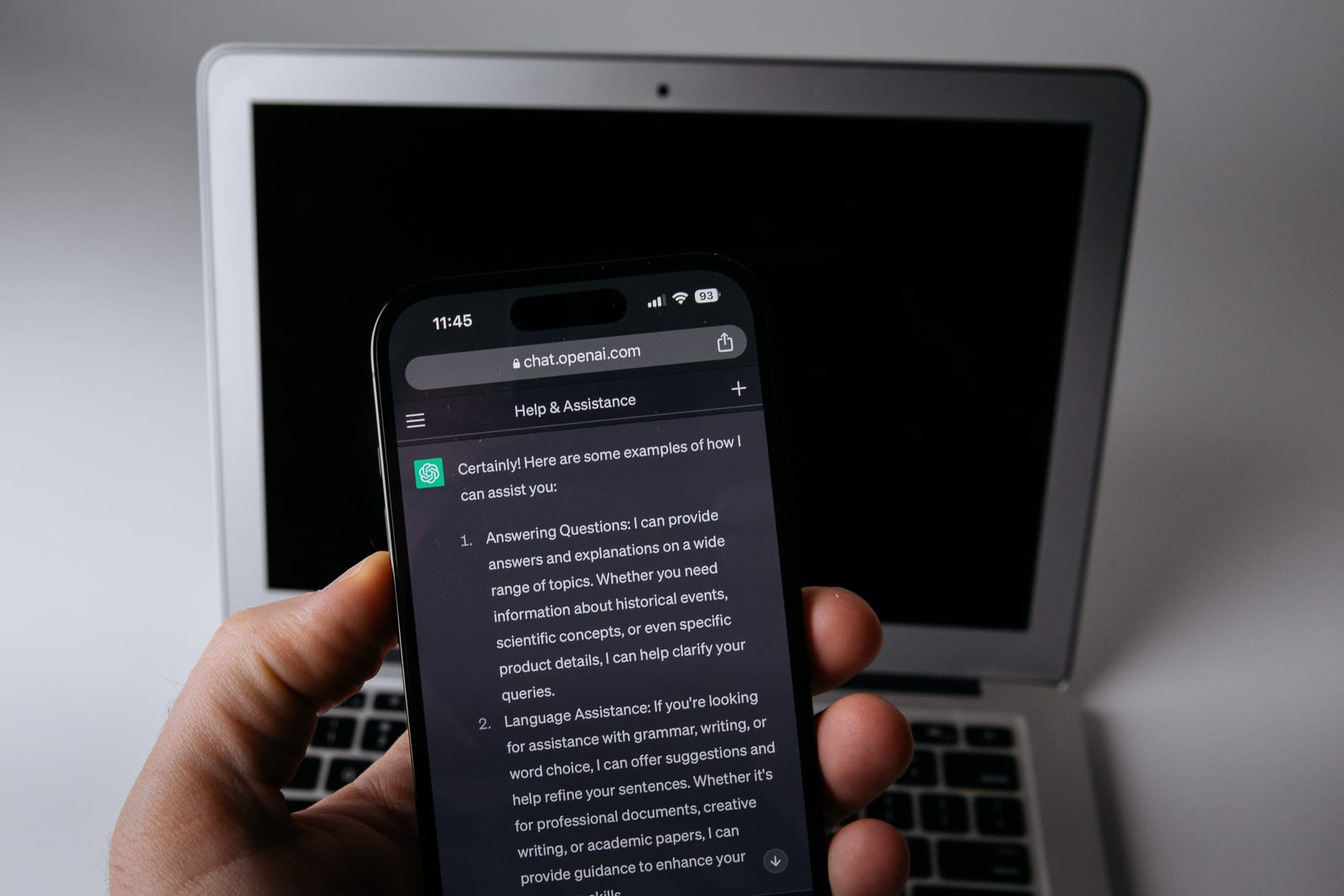
ChatGPT saves your chats to your account until you delete them, and on the Free, Plus and Pro plans OpenAI can use them to train its models unless you turn that off. Claude, Gemini, Meta AI and Copilot each work a little differently. This guide covers what each one keeps, who can read it, and the settings that limit it.
The short answer
No. ChatGPT is not private by default. OpenAI's help center says that on Free, Plus and Pro, "data sharing is enabled by default," and your chats stay saved "until you delete them" (OpenAI data controls, OpenAI retention). Gemini saves chats for 18 months by default, and Meta says chats with its AI "can be used to train AI models." Every one of these chatbots lets you delete chats, and most let you stop training for free. Turning training off only stops future training. Anthropic says chats already used stay in models already trained, and we found no company page that offers to take a chat back out.
Facts are current as of November 20, 2026, from each company's own help pages. These pages change often, so check the setting names in your app.
Chatbot privacy settings compared
| Chatbot (personal account) | Trains on your chats by default? | Private mode | Turn training off |
|---|---|---|---|
| ChatGPT (Free, Plus, Pro) | Yes | Temporary Chat, kept up to 30 days | Settings > Data controls > Improve the model for everyone |
| Claude (Free, Pro, Max) | Your choice. The privacy policy says it may train "unless you opt out" | Incognito, kept 30 days | Settings > Privacy > Help Improve our AI models |
| Gemini | Yes, for adults | Temporary chat, kept about 2 months | Settings > History (turn off, or untick chat content) |
| Meta AI | Yes. No US opt-out on Meta's pages | None found | No setting found |
| Copilot (app updated Aug 2026) | No, for foundation models | Not found | Settings > Personalization for ads and memory |
Work and school accounts follow separate rules. OpenAI does not train on ChatGPT Business, Enterprise or Edu by default, and Anthropic does not train on its commercial products, such as Claude for Work or the API, by default (OpenAI, Anthropic).
Is ChatGPT private?
Does ChatGPT save conversations?
Yes. "Regular and archived chats remain saved to your account until you delete them," OpenAI says. Archiving a chat only hides it. It "does not change its retention period" (OpenAI).
Who can see my ChatGPT conversations?
A small group of OpenAI staff and outside contractors. OpenAI says "a limited number of authorized OpenAI personnel, as well as trusted service providers" may access chats for four reasons: abuse or security investigations, support you ask for, legal matters, and "to improve model performance (unless you have opted out)" (OpenAI).
ChatGPT privacy settings
- Training. On the web: account menu, Settings, Data controls, then turn off "Improve the model for everyone." In the phone app: open the sidebar, tap your profile icon, then Data controls. Your history stays.
- Feedback. "If you choose to provide feedback, such as selecting thumbs up or thumbs down on a response, the entire conversation associated with that feedback may be used to train OpenAI models," OpenAI says.
- Voice. "Voice mode has a separate control for sharing data for model training" (OpenAI data controls).
- Temporary Chat. These chats do not appear in your history, do not create memories and are not used to train models. OpenAI "may keep a copy of a temporary chat for up to 30 days for safety purposes." A "Personalized" temporary chat can still read your existing memories (OpenAI).
- Memory. Settings, Personalization, Memory. "Delete and turn off memory" clears what ChatGPT remembered. OpenAI warns that "deleting a chat alone does not necessarily delete a separate saved memory created from that chat" (OpenAI memory).
- Ads. Ads can appear on the Free and Go plans. With personalized ads on, OpenAI can use "past chats and memory" to pick them. It says advertisers "never receive your chats." Turn this off in Settings, Ads controls, with the "Personalize ads" and "Past chats and memory" toggles (OpenAI ads).
Delete ChatGPT history
One chat: open the ••• menu next to it and select Delete. All chats: Settings, Data controls, Delete all chats. OpenAI then "schedules it for permanent deletion from its systems within 30 days," unless the chat was already de-identified or OpenAI "must retain it longer for security or legal obligations" (OpenAI).
Legal holds are real. In 2025, a court order in the New York Times lawsuit made OpenAI keep deleted chats. OpenAI says that order ended on September 26, 2025, but it will still store a limited set of user data from April to September 2025 (OpenAI).
Claude privacy: what Anthropic keeps
Anthropic changed its consumer terms on August 28, 2025, and asked Free, Pro and Max users to choose whether their chats could be used for training, with a deadline of October 8, 2025 (Anthropic). Its privacy policy says it may use your chats to train its models "unless you opt out through your account settings" (Anthropic privacy policy). Anthropic's shares began trading on Nasdaq on November 19, 2026 (Anthropic). Read what its IPO filing says about user data.
- The setting. Settings, Privacy, then the toggle under "Help Improve our AI models" (Anthropic).
- How long chats are kept. With training on, Anthropic may keep your data "in a de-identified format for up to 5 years." Chats you delete are removed from your history at once and from its back-end storage within 30 days. Chats flagged for breaking its usage policy are kept up to 2 years (Anthropic). With training off, Anthropic says the 30-day retention period applies (Anthropic).
- Who can read chats. "By default, Anthropic employees cannot access your conversations," Anthropic says, unless you share a chat as feedback or a review is needed to enforce its usage policy (Anthropic). Flagged chats "may still be used to improve our internal trust and safety models" even with training off (Anthropic).
- Incognito chats are not saved to your history or memory and "are not used for training." They are kept for 30 days (Anthropic).
- Memory "is on by default for Free, Pro, Max, and Ultra plans." Find it in Settings, Your Claude, Manage. "Reset memory" deletes all of it. When you delete a chat, the memories made from it "aren't removed" (Anthropic).
Gemini Apps Activity, now called Gemini History
Google now calls the setting "Gemini History," though some of its pages still say Gemini Apps Activity. "If you're 18 or over, History is on by default," and it auto-deletes after 18 months unless you pick 3 months, 36 months or never (Google). It saves more than your typing: audio, Gemini Live video and screen shares, attachments, "your device's general location, IP address, and Home or Work addresses" (Gemini Privacy Hub).
- Turn off Gemini Apps Activity. On gemini.google.com: Settings, History, then click On and choose "Turn off" or "Turn off and delete history." On Android: Menu, your profile picture, Gemini History. You can also go straight to myactivity.google.com/product/gemini.
- Training only. Under History, untick "Chat content including text & uploads." Google says future chats then "won't be used to train generative AI models, unless you provide feedback," but will still be "used to improve Google services in other ways."
- Off is not zero. "Even if Gemini History is turned off, future chats will still be saved for around 2 months," with help from human reviewers (Gemini Privacy Hub).
- Human review. "A subset of chats are reviewed by human reviewers," and those chats are kept up to three years. They "are not deleted when you delete your history." Google says it disconnects them from your account first.
- Temporary chats are not used to train Google's AI models and are kept with your account for about two months (Gemini Privacy Hub). They are not available on work or school accounts (Google).
- Connected apps. If you link Gmail, Photos or other Google apps, disconnect them in Settings, Personal Intelligence, Connected Apps (Google).
- Shared links. Deleting a chat you shared "doesn't delete the related public link" (Google).
How to turn off Meta AI
We found no Meta help page that says Meta AI can be turned off in Facebook, Instagram or Messenger. Meta says your chats with it "can be used to train AI models," including "messages to AI chats, questions you ask and images you ask Meta AI to imagine for you" (Meta). Meta says people in the EU and UK have a GDPR right to object to some uses of their information (Meta). We found no opt-out for US users on Meta's pages.
Since December 16, 2025, in most regions, Meta uses your chats with its AI to choose the posts, reels and ads you see. It says it does not use sensitive topics, such as health, religion or politics, for ads (Meta). Meta points to Ads Preferences to adjust ads. It names no setting that stops AI chats from being used.
What you can do:
- Do not start a chat with Meta AI. Meta calls Meta AI on WhatsApp "an optional service" (WhatsApp).
- WhatsApp: turn on Restricted chat in a chat, and no one there can use Meta AI in it. It can only be turned on or off from your main phone (WhatsApp).
- Messenger: you can mute notifications from an AI chat (Meta).
- Delete what Meta holds. Deleting a chat in WhatsApp, Messenger or Instagram only removes it from the app. To delete it from Meta, type /reset-ai in that chat, or /reset-all-ais for every AI chat in that app (Meta).
- Meta AI app: Settings, Data & privacy, Manage your information, Delete all chats and media. Videos you posted publicly are not deleted by this (Meta).
Ray-Ban Meta glasses store Meta AI voice recordings by default, and Meta says the option to turn that off "is no longer available." You can delete recordings in the Meta AI app (Meta). More in our guide to what smart glasses record.
Copilot privacy
Microsoft released an updated Copilot app on August 18, 2026, with new rules. For the updated app, Microsoft says "prompts, responses, and your file contents when using the Microsoft Copilot app aren't used to train foundation models" (Microsoft).
- Ads. "Personalized ads might use your chat history, saved memories, and other Microsoft data you've chosen to share." Turn off "Allow ads personalization" in Settings, Personalization. Turning off "One shared experience" in the same menu stops Copilot from using your chats to personalize Bing, Edge and MSN (Edge has its own setting too) (Microsoft).
- Memory. Settings, Personalization, Manage next to Saved memories. "Turning off Copilot Memory doesn't automatically delete already saved memories," so delete them as well.
- Delete all history. In your Microsoft privacy dashboard: Privacy, Empower your productivity, Copilot, Your Copilot app activity history, Copilot apps, then Delete all activity history (Microsoft).
Still on the older Copilot app? Microsoft's older rules say it uses Copilot data for AI training unless you opt out, and keeps chats for 18 months by default. To opt out on copilot.com: your profile icon, your profile name, Privacy, then "Training on conversation activity" and "Training on voice conversations." Microsoft says chats not moved to the updated app by December 31, 2026 "will be permanently deleted" (Microsoft FAQ, Microsoft controls).
Is ChatGPT safe to use for private information?
Treat any chatbot like an email to a company: people there may read it, and a copy can outlast your delete button. OpenAI, Anthropic, Google and Meta each say some chats can be read by staff or contractors, for safety review or for training (OpenAI, Anthropic, Google, Meta). Microsoft says the same for its older Copilot app (Microsoft). Deleted chats can be held for legal reasons, as OpenAI's 2025 court order showed.
Keep these out of every chatbot:
- Passwords, security codes and recovery phrases
- Social Security, passport and driver's license numbers
- Bank and card numbers
- Medical records and test results
- Other people's private details, such as a friend's address or a client's files
If you need help with a document that holds any of these, remove the names and numbers first. For your details on people-search sites, see our guide to removing your personal information.
Can a chat be taken back out of a model?
No. Turning training off only covers future training. Anthropic says your data "will still be included in model training that has already started and in models that have already been trained," and it stops using stored chats only in future runs (Anthropic). One commenter on a TidBITS forum thread, who had already turned off training on ChatGPT, said they were turning it off on Claude too because Claude could keep their chats for five years (TidBITS Talk).
FAQ
Does ChatGPT train on my data?
On Free, Plus and Pro, yes, by default. Turn off "Improve the model for everyone" in Settings, Data controls. OpenAI does not train on Business, Enterprise or Edu workspaces or the API by default (OpenAI).
Is ChatGPT private if I use it without logging in?
Not fully. OpenAI says whether those chats are used for training "depends on your location and settings," and the choice "is saved in your browser" (OpenAI). Its privacy policy says it still collects log data such as your IP address and browser type (OpenAI privacy policy).
Is Claude safe for private information?
Claude has the same limits as the others: Anthropic keeps deleted chats for up to 30 days, keeps flagged chats for up to 2 years, and its Trust and Safety team can read flagged chats (Anthropic). Use Incognito and turn off "Help Improve our AI models" for anything personal (Anthropic).
Is Gemini safe to use?
Gemini keeps chats for about 2 months even with History off, and chats picked for human review are kept up to 3 years, even if you delete your history (Gemini Privacy Hub).
Does deleting a chat delete what the bot remembers?
Not on ChatGPT or Claude. Both say a memory made from a chat can stay after the chat is deleted. Clear memory in its own settings page.