
The short answer
A passkey is a way to sign in with your face, fingerprint or phone PIN instead of a password. Your device keeps a secret key that only works on the real website, so a fake login page cannot trick you into handing it over. That is the gap in normal two-factor authentication (2FA): hackers now steal text codes and app codes in real time with fake login pages. One catch: adding a passkey usually leaves your old password and text codes working, so close those doors too.
Every fact here comes from Google, Apple, Microsoft and the other companies' own help pages, and from the FBI, FTC, FCC, CISA and NIST, read on November 24, 2026.
What a passkey is
A passkey replaces your password with a pair of keys. Apple's security page explains it this way: when you create one, your device makes "a unique cryptographic key pair." The public key "is stored on the server. This public key is not a secret. The other key is private, and is what is needed to actually sign in. The server never learns what the private key is."
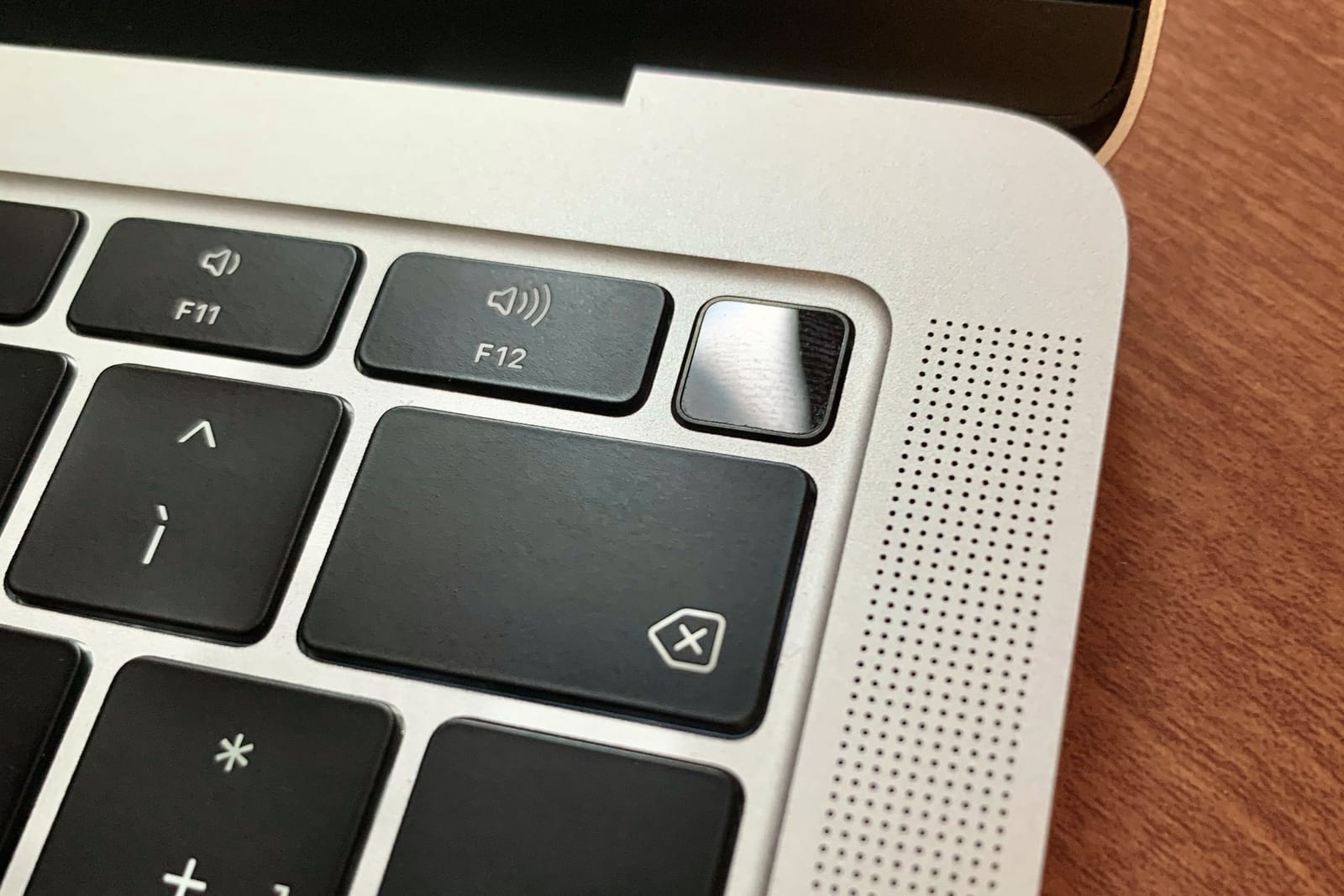
To sign in, you unlock your phone or computer the normal way: face, fingerprint or PIN. Google says your "biometric data is stored on your device and isn't shared with Google" (Google Chrome help).
The part that matters for hackers: "Passkeys are connected to the app or website they were created for, so you can never be tricked into using your passkey to sign in to a fraudulent app or website," Google says. You do not have to spot the fake page. Your browser and phone refuse to use the passkey there. The site passkeys.dev, from members of the FIDO Alliance and a W3C community group, puts it this way: "browsers and operating systems enforce that passkeys are only ever used for the appropriate service."
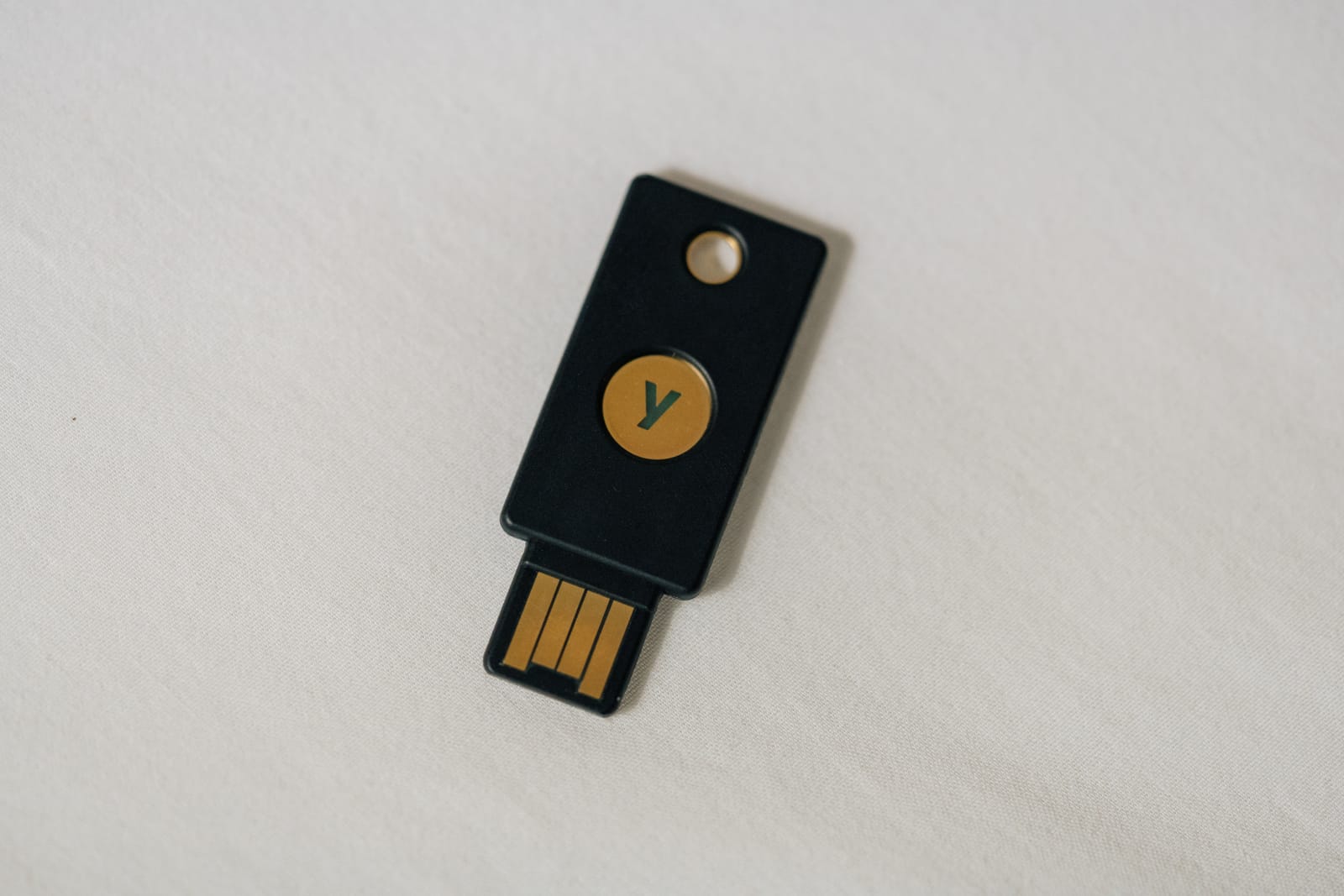
There are two kinds. A synced passkey is backed up to your Apple, Google or password manager account, so it works on your other devices. A device-bound passkey stays on one device, such as a security key, and "cannot leave the device" (passkeys.dev terms).
Passkeys are catching on at big services. The FIDO Alliance's Passkey Index 2026 (October 15, 2026), built from data shared by the companies taking part, says "More than one in three successful sign-ins now use a passkey (36%), up from roughly one in four in 2025 (26%)."
How hackers get past normal 2FA
Two-factor authentication still works against most attacks. Microsoft researchers found in 2023, in a study of business accounts, that it "reduces the risk of compromise by 99.22%." Google found in 2019 that a text code to a recovery phone "helped block 100% of automated bots, 96% of bulk phishing attacks, and 76% of targeted attacks."
So hackers now aim at the gap. These are the five tricks behind the "how hackers bypass 2FA" videos.
1. Fake login pages that pass your code along
The hacker sends you a link to a page that looks like your real login. Behind it, a tool sits between you and the real site. Microsoft calls this adversary-in-the-middle (AiTM) phishing. The tool lets the attacker "steal and intercept the target's password and the session cookie that proves their ongoing and authenticated session," Microsoft wrote in 2022. You type your code, the real site accepts it, and the hacker keeps the logged-in session.
This is a big business. Microsoft's Digital Defense Report 2024 counted "a 146% rise in AiTM phishing attacks." One kit, Tycoon 2FA, "could bypass nearly all commonly deployed MFA methods, including SMS codes, one-time passcodes, and push notifications," Microsoft said on March 4, 2026. By mid-2025 it "accounted for approximately 62 percent of all phishing attempts Microsoft blocked," before a court-ordered takedown (Microsoft).
2. Stolen login cookies
When you stay signed in, your browser keeps a small file called a cookie that proves you already logged in. Malware on your computer can copy it. "Cookie theft like this happens after login, so it bypasses two-factor authentication," Google wrote. The FBI's Atlanta office warned in 2024 that with a stolen "Remember-Me" cookie, a criminal can sign in "without needing their username, password, or multifactor authentication (MFA)." Fake game downloads are one way this malware spreads; see our post on GTA 6 PC download scams.
3. Push spam until you tap Approve
If your 2FA is a "Yes, it's me" prompt, a hacker with your password can send it again and again. CISA calls this "push bombing": the attacker sends prompts "until the user either approves the request by accident or out of annoyance." That is how Uber was breached in 2022. A contractor got repeated login requests, and "Eventually, however, the contractor accepted one," Uber said.
4. A fake call asking for your code
The simplest trick is to ask. A caller says they are from your bank's fraud team and needs the code to confirm it is you. The FBI said in November 2025 it had received "more than 5,100 complaints reporting ATO fraud, with losses exceeding $262 million" since January 2025. ATO means account takeover. Scam texts use the same pressure; see the flight cancellation text scam.
5. SIM swaps
In a SIM swap, a criminal "convinces a victim's wireless carrier to transfer the victim's service from the victim's cell phone to a cell phone in the bad actor's possession," the FCC says. Your text codes then go to them. The FBI counted 1,611 SIM swap complaints in 2021, with losses of more than $68 million.
New FCC rules make carriers check your identity before they move your number and tell you right away when someone asks. Carriers must comply by December 17, 2026 for SIM changes and December 18, 2026 for moves to another carrier, per the Federal Register (SIM changes, port-outs).
You do not have to wait. Each of the big three carriers offers a free lock, with some limits:
- T-Mobile: "SIM Protection is a free feature" that guards against "the most common instances of SIM swap fraud." It is for postpaid customers only, not Prepaid or Metro (T-Mobile).
- Verizon: "At no cost to you, SIM Protection offers you the ability to lock the lines on your account to prohibit changes to the SIM cards associated with those lines" (Verizon).
- AT&T: "Wireless Account Lock is a free security feature available for AT&T Wireless customers" (AT&T).
What passkeys stop, trick by trick
CISA's phishing-resistant MFA fact sheet rates FIDO logins, the standard passkeys use, as "Resistant to phishing. Push bombing, SS7, and SIM swap attacks are not applicable." It rates app codes as "Vulnerable to phishing attacks" and text codes as "Vulnerable to phishing, SS7, and SIM swap attacks."
Can the trick get into your account? Yes or no, by the kind of second step you use:
| Trick | Text code | App code | Push prompt | Passkey |
|---|---|---|---|---|
| Fake login page | Yes | Yes | Yes | No |
| Push spam | Not used | Not used | Yes, without number matching | No |
| Caller talks you into it | Yes | Yes | Yes, if you tap Approve | No code to give |
| SIM swap | Yes | No | No | No |
| Malware steals your cookie | Yes | Yes | Yes | Yes |
Sources: CISA's fact sheet for rows 1, 2 and 4. The FTC and FBI for the caller row. Google and the FBI for the last row, covered next.
What passkeys do not stop
Malware on your device. A stolen cookie skips the login, so it skips the passkey too. Google has added a fix to Chrome called Device Bound Session Credentials. It ties your session to your computer's security chip. Google said in April 2026 that it was available on Chrome 146 for Windows, with macOS to follow, and it only protects websites that add support for it. So the defense that works today is not installing pirated software, game cracks or "free" downloads.
Your old login. If the site still accepts your password and a text code, a hacker can phish that instead. Researchers at Proofpoint showed in 2025 that this "relies on the existence of an alternative authentication method," and said they "have yet to observe FIDO authentication downgrade attacks in the wild." It is still the reason to close the old door.
Anyone who can unlock your phone. Google warns: "anyone who can unlock your device can access your Google Account" once a passkey is on it (Google). Only create passkeys on devices you own.
Device-code tricks. In May 2026 the FBI warned about a kit called Kali365 that gets people to paste a code into Microsoft's real verification page, which approves the attacker's device. If an email that looks like a file-sharing service asks you to enter a code on a Microsoft page, close it.
Your cloud account. A synced passkey is backed up to your Apple or Google account, so that account's own security matters. Apple requires two-factor authentication for any account that uses iCloud Keychain (Apple).
How to set up a passkey on Google, Apple and Microsoft
Google Account
Google's steps:
- Go to myaccount.google.com/signinoptions/passkeys.
- Tap Create a passkey, then Create a passkey again.
- Unlock your device.
You need Windows 10, macOS Ventura, ChromeOS 109, Android 9 or iOS 16 or newer, or a security key that supports FIDO2.
Apple (iPhone)
Apple's iPhone guide says "iCloud Keychain and two-factor authentication must be turned on." Then:
- Sign in to the website or app with your password.
- Go to its account settings screen.
- When it offers to save a passkey, tap Continue.
Your passkeys are stored in the Passwords app. Apple says they are encrypted in iCloud Keychain, "where they aren't visible to anyone (including Apple)." The Passwords app can also upgrade some logins to passkeys on its own; PayPal notes you can turn that off with "Allow Automatic Passkey Upgrades."
Microsoft account
Microsoft's steps:
- Sign in at account.live.com/proofs/manage.
- Choose Add a new way to sign in or verify.
- Select Face, Fingerprint, PIN, or Security Key.
- Follow the instructions on your device.
Signing in on a computer that does not have your passkey
Use your phone. On Google, click Try another way, then Use your passkey. A QR code appears. Scan it with your phone, check that Bluetooth is on, and unlock your phone (Google). The passkey stays on your phone. NIST's guideline says the Bluetooth step requires "physical proximity," which "reduces the potential for phishing attacks."
Where the passkey setting is on other sites
From each company's own help page. If a site does not offer a passkey, Apple says "the website or app doesn't currently support passkeys."
| Site | Where to find it | Note |
|---|---|---|
| Amazon | Your Account > Login & security > Set up, next to Passkeys | Your password still works. Other Amazon country sites need their own passkey. |
| PayPal | The Passkey Creation link on PayPal's help page | If your phone is lost, you can still log in with your password or a one-time code. |
| eBay | My Account > Sign in and security > Turn on > Add a passkey | |
| PlayStation | Account Management > Security > Sign in with Passkey > Create a Passkey | Sony says some hardware security keys "may encounter issues." |
| Roblox | Settings > Account Info > Login Methods > Add Passkey | Passkeys do not sync between systems, for example "from an iOS device to a Windows computer." |
Close the old door
A passkey protects you only as much as the weakest login the account still accepts. After you add one, check what else still works.
Google. Google has no switch that turns your password off. Adding a passkey turns on Skip password when possible (under Security & sign-in > How you sign in to Google), but Google says "you still have the option to use your password to sign in" (Google). So keep a strong, unique password, and remove text-message codes where Google offers another way. To see if a password has already leaked, use the Have I Been Pwned guide. Google also says codes "sent by texts or calls can be vulnerable to phone number-based hacks," and that on-screen prompts "can also help protect against SIM swap."
Microsoft. You can remove the password from a personal Microsoft account. Go to Additional security options, and under Passwordless account select Turn on, then approve the request in the Microsoft Authenticator app (Microsoft). Microsoft says some older products still need a password, including Xbox 360, Office 2010 or earlier, Windows 8.1 or earlier, email apps that use IMAP or POP, and Remote Desktop. Microsoft is also phasing out text codes for personal accounts because "SMS-based authentication is now a leading source of fraud." It has not given an end date.
Apple. Add a recovery contact or a recovery key under Settings > [your name] > Sign-In & Security (Apple recovery contact, Apple recovery key). Apple describes the recovery key as "a 28-character code." Write it down and keep it somewhere safe, not in your Passwords app or Notes. Apple warns that if you set one up and cannot provide it when you lose access, "you'll be locked out of your account permanently."
Your phone number. Text codes are as safe as your phone number. Turn on your carrier's free SIM lock.
What happens if you lose your phone
A synced passkey is not lost with the phone.
- iPhone: passkeys "are recoverable even if the user loses all their devices," Apple says. Recovery takes your Apple Account password, a text to your phone number, and your old device passcode. After several wrong tries you must call Apple Support for more, and after the tenth, Apple's stored recovery copy is destroyed.
- Android: "If you lose your Android device, you can recover your passkeys on a new one. Sign in to your account and give the security PIN, pattern, or password of your lost device" (Google).
- Remove the lost phone's passkey. On Google, go to Security & sign-in > Passkeys and security keys, select the passkey, and tap Remove. If an Android phone made the passkey on its own, go to Security & sign-in > Manage all devices, tap the lost phone, and tap Sign out (Google).
A security key is different: its passkeys cannot be copied. Yubico says plainly, "no device, no access." Register a second key as a backup.
Security keys: the strongest option
A security key is a small USB or NFC device, such as a YubiKey or Google Titan key, that holds device-bound passkeys. Current YubiKeys "can store a maximum of 100 passkeys," Yubico says. Google's Titan key help says a key "must support the FIDO2 protocol" to hold a passkey.
Google found that "zero users that exclusively use security keys fell victim to targeted phishing" in its 2019 study.
Most people do not need one. It makes sense for people who are likely targets: journalists, activists, people who run a business account, or anyone being harassed. Google's free Advanced Protection Program is built for them. It requires "a passkey or security key," and Google recommends "a primary key and at least one backup key."
FAQ
Can a passkey be hacked?
A passkey cannot be phished on a fake site, and the website never holds the private key. Apple says "No shared secret is transmitted." The weak spots are the ones above: malware on your device, someone who can unlock your phone, and old logins the site still accepts.
Do I still need a password manager and an authenticator app?
Yes, for now. Many sites do not offer passkeys yet, and the ones that do often keep your password as a backup. A password manager holds the rest. Many password managers can also store passkeys; Microsoft lists Google Password Manager, Apple iCloud Keychain and "others."
Is a passkey better than 2FA with an app code?
Against a fake login page, yes. CISA rates app codes "Vulnerable to phishing attacks" and FIDO passkeys "Resistant to phishing." An app code is still much safer than a text code, which CISA says "should only be used as a last resort."
Can I share a passkey?
On Apple devices, yes. You can share passwords and passkeys with AirDrop with someone who is in your contacts, as long as you are in theirs. Google's help page says passkeys "can't be shared," so it depends on where yours is stored.
Does a passkey give my fingerprint to the website?
No. Your face or fingerprint only unlocks your own device. Google says "Your biometric data is stored on your device and isn't shared with Google."
What if a site still asks for a text code after I add a passkey?
Some sites keep 2FA as well. Roblox says a passkey login skips its 2-Step Verification step. Others ask for both. Either way, the passkey is the part a fake page cannot steal.