

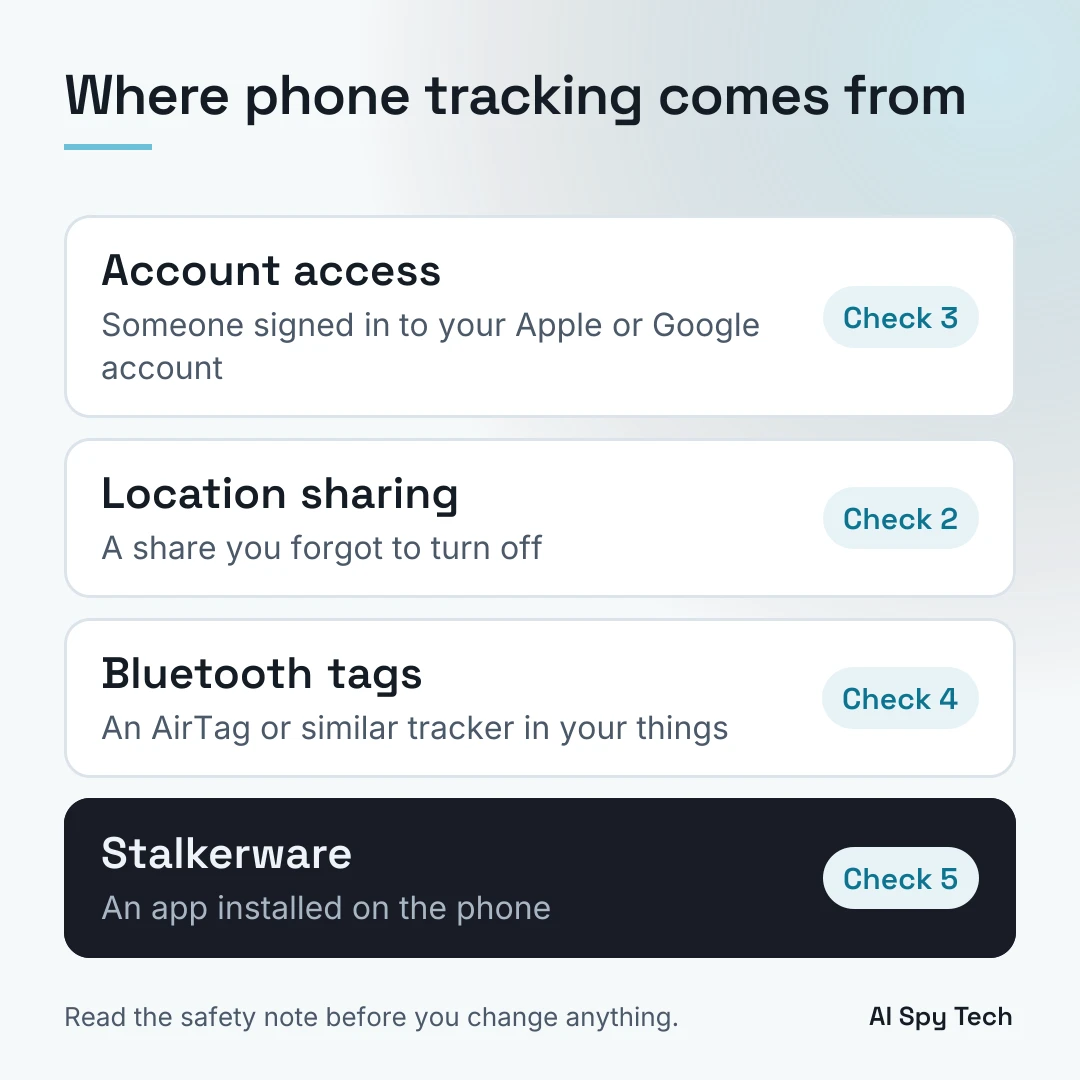
Someone can track your phone without hidden spyware. A person who can sign in to your Apple or Google account, a location share you forgot to turn off, or a Bluetooth tag like an AirTag can each show where you are. Check those first with free tools already on your phone: Safety Check on an iPhone, Location Sharing and "Your devices" in your Google Account, and Unknown tracker alerts on Android. If you think a partner or ex is watching you, read the safety note below before you change anything, because removing tracking can alert them.
Every step here comes from Apple's and Google's own help pages and from the FTC, the Coalition Against Stalkerware and the National Network to End Domestic Violence (NNEDV), read on November 17, 2026. For cameras and other devices hidden in a room, see the guide to detecting hidden cameras.
How phones actually get tracked
NNEDV's Safety Net Project says that if an abusive person "has physical access to the phone or your cloud accounts, they may not need to install stalkerware in order to monitor you." The Coalition Against Stalkerware agrees: "stalkerware may not be involved at all." This guide checks the four common routes from the easiest to rule out to the hardest.
Account access. Anyone who can sign in to your Apple Account can open Find My, where the Devices list shows what is "currently available through Find My to anyone who has access to your Apple Account," per Apple's location checklist.
Location sharing. Google Location Sharing shows the people you choose your name, profile picture, real-time location and battery status, and may also show where you've recently been and whether you're walking or driving, per Google's help page. iPhones share location with people through Find My.
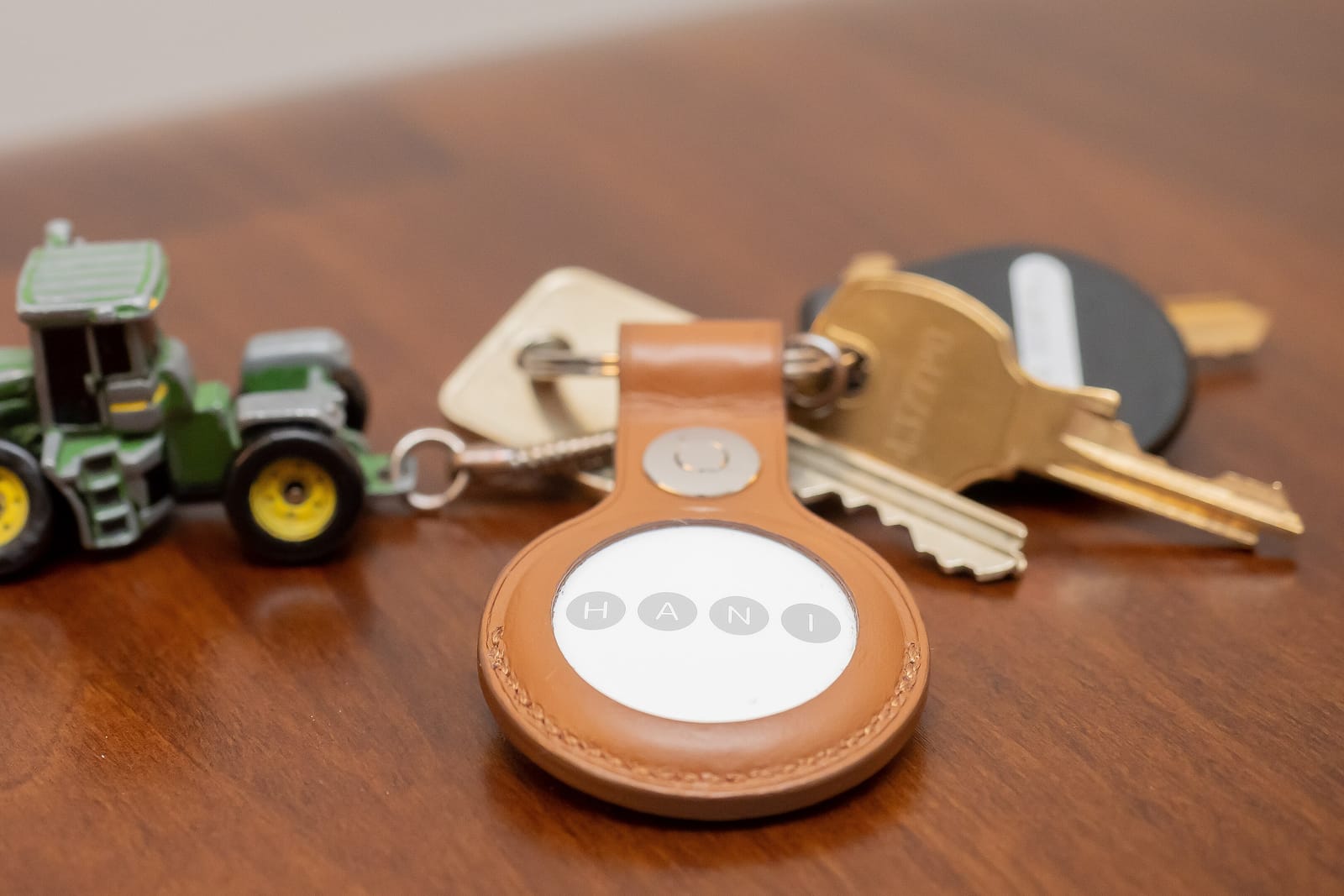
Bluetooth tags. Trackers are made for finding keys or a bag, but Google notes they "may be misused to track other people without their consent."
Stalkerware. The FTC defines it as software someone installs on your phone without your knowledge. It may let the abuser track your location, turn on the microphone and read your texts and emails. NNEDV says almost all of it needs physical access to the phone to install.
If someone knows your home address but not where you go, a people-search listing may be the source. See the guide to removing your personal information.
The signs that matter
Start with the person, not the phone. The Coalition Against Stalkerware says the most common sign of monitoring is the abuser's behavior, and that some stalkerware runs with no side effects at all.
From the FTC's list, ask whether the person:
- knows your exact location when you haven't told them
- knows details of private conversations you had with other people
- always seems to know who you are texting or talking to
- knows which websites you visit
- has had your phone without you watching
Then the phone. The FTC lists fast battery drain, unexpected data use, overheating, and a phone that turns off and on by itself.
NNEDV suggests looking for patterns in what the person knows and where it could have come from. If they only ever know where you are, start with Checks 2 to 4. If they know what your messages say, start with Checks 1, 3 and 5. Keep a log with dates: the Coalition says it shows the history if you go to the police or a support program.
Before you change anything
If the person you suspect is a partner, an ex or a family member, plan before you act. The FTC warns that an abuser who uses stalkerware "may escalate their abuse if they suspect you're cutting off their access to your phone." The Coalition Against Stalkerware says that removing monitoring or making big changes "may be detected by the abuser and could increase the abuse and harassment," and that deleting stalkerware also deletes evidence you may need for a police report.
The FTC adds that even using a monitored phone to research your options could tip off the abuser.
- Use a device they cannot reach to research and to ask for help. The FTC suggests borrowing a friend's or family member's phone or buying a pay-as-you-go phone. NNEDV adds a computer at a library, school or work.
- Save evidence first. Take screenshots and notes before you delete an app, turn off a tracker or reset the phone.
- Know that some changes show. When you stop sharing in Find My, Apple says the other person is not notified, but you drop out of their list, so someone who checks will see you are gone.
- A tracker can stay on. Google's tracker page says you can keep a found tracker turned on "if you're concerned that turning it off could be unsafe."
National Domestic Violence Hotline. Call 1-800-799-7233, text START to 88788, or chat at thehotline.org. It is free, confidential and open 24/7. An advocate can help you make a technology safety plan and preserve evidence before you change your phone, per the FTC. If you are in immediate danger, call 911.
Check 1: iPhone Safety Check
Safety Check is Apple's built-in review of who and what can see your information. Open it at Settings > Privacy & Security > Safety Check, according to Apple's Personal Safety guide. It needs iOS 16 or later and an Apple Account that uses two-factor authentication. To find your iOS version, go to Settings > General, then tap About.
Safety Check offers two options:
- Emergency Reset stops sharing with all people and apps at once. Because it changes everything in one step, read the safety note above first. Every Safety Check screen also has a Quick Exit button that closes Settings at once.
- Manage Sharing & Access lets you review each person and app one at a time. This is the one to use if you want to look before you change anything.
Inside Manage Sharing & Access, tap People to see what each person can see, then Apps. Tap Continue to review devices connected to your Apple Account and the phone numbers used to verify your identity.
Apple says Safety Check cannot review non-Apple accounts, social media sharing, or devices signed in to a different Apple Account. On an older iPhone, Apple's manual checklists cover the same ground.
Android has a feature with the same name that does something else. Google's emergency help page describes Android's Safety Check, in the Safety app, as a scheduled check-in that lets "your emergency contacts know if anything is wrong." It does not review who can see your data.
Check 2: Who can see your location
On an iPhone
Open the Find My app and tap People. Everyone listed there can see your location. To stop sharing with one person, Apple's checklist says to select them, tap the More button, then tap Stop Sharing My Location. Apple says the person is not notified, but if you turn sharing back on later, they get a notification that you started again.
Then check which apps use your location at Settings > Privacy & Security > Location Services.
On Android or any Google Account
Google's steps start at myaccount.google.com. Click People & sharing, scroll to "Info you can share with others," click Location Sharing, then Manage Location Sharing. Tap a person's name to stop sharing with them.
The setting turns on only when you share from a Google app such as Maps, Messages, Find Hub or Family Link. It is set per device, so if you are signed in on more than one device, check each one. Google's page does not say whether the other person is told when you stop sharing.
Check 3: Devices signed in to your Apple or Google account
A second phone or a laptop signed in to your account can see what the account holds, including location in Find My.
Apple. Go to Settings > [your name] > Devices. To remove a device you don't recognize, tap it and select "Remove from Account," per Apple's account checklist. The same checklist suggests checking for a Face ID or fingerprint you didn't add.
Google. Go to your Google Account, tap Security & sign-in, then select Manage all devices on the "Your devices" panel, per Google's help page. The list shows devices signed in now or in the last few weeks. To remove one, tap it, then Sign out. Several sessions with the same device name may come from more than one device, Google says, so sign out of all of them if you are not sure.
The FTC advises a new, strong password and two-factor authentication for any account someone may use to track you. A password change can lock out the other person, and they may notice, so time it with your safety plan.
Check 4: AirTags and other Bluetooth trackers
Apple and Google built a shared standard so that both iPhones and Android phones can warn you about a tracker moving with you, according to Apple's unwanted tracking page.
On an iPhone
Tracking Notifications need iOS 14.5 or later, and iOS 17.5 or later for non-Apple trackers. Turn on Location Services and Bluetooth, then go to Settings > Notifications > Tracking Notifications and turn on Allow Notifications. Alerts don't arrive in Airplane Mode.
The alert names Apple uses are:
- AirTag Found Moving With You
- AirPods Detected, AirPods Pro Detected or AirPods Max Detected
- "Product Name" Found Moving With You, for other trackers
- Unknown Accessory Detected
To see past alerts, open Find My, tap Items, scroll to the bottom and tap Unknown Items Detected with You. From an alert, tap Continue, then Play Sound. Apple suggests checking places you don't look often: a jacket pocket, the outer pocket of a bag, your car.
If you find an AirTag, hold the top of your phone near its white side until a notification appears, then tap it. A web page opens with its serial number and the last four digits of the owner's phone number. Take a screenshot. Turning off Bluetooth or Location Services on your phone does not stop the owner from seeing the tag. Only disabling it stops new updates, and the owner may still see where it was last. Read the safety note before you disable one.
On Android
Unknown tracker alerts work on Android 6 and up, and they cover Find Hub network tags, some headphones, and Apple AirTags, per Google's help page. To look right now, go to Settings > Safety & Emergency > Unknown tracker alerts > Scan now. The scan takes about 10 seconds.
A manual scan shows trackers near you, which may just be someone's lost keys. An automatic alert means a tracker moved with you over time. When you get one, tap it to see a map, then tap Play sound. Google says playing the sound does not notify the owner.
For evidence, note two things on Google's page. Old alerts are deleted after 48 hours, so screenshot the alert and the map. And turning off some trackers may factory reset them, after which police can't learn who owns them.
For a room or a car instead of your bag, the hidden camera guide covers how to sweep a space.
Check 5: Unknown apps, permissions and profiles
On an iPhone
Swipe left past your last Home Screen to the App Library and tap the search field. You get an alphabetical list of every app on the phone, per Apple's guide. Look up anything you don't recognize in the App Store.
Then check for profiles at Settings > General > VPN & Device Management. Apple says profiles are used by schools and employers and "may allow access to data or location information on the device." If nothing is listed, no device management profile is installed.
Check your backups too. The Coalition Against Stalkerware says some iPhone stalkerware pulls data from iCloud backups. Go to Settings, tap your name, then tap your device and see whether iCloud Backup is on. If it is on and you never turned it on, someone else may have.
On Android
To see what each app can reach, go to Settings > Security & Privacy > Privacy > Permission manager and tap Location, Microphone or SMS, per Google's permissions page. To check one app, go to Settings > Apps, tap the app, then Permissions. Menu names can differ by phone maker and Android version.
NNEDV suggests making sure the option to install apps from "unknown sources" is off. The Coalition points to a guide from the Clinic to End Tech Abuse for finding hidden apps and apps installed outside the Play Store, which is how stalkerware is usually installed.
The FTC says some stalkerware can only be installed on a phone that has been "rooted" (Android) or "jailbroken" (iPhone), meaning someone bypassed its security protections, and it links NNEDV's guide to checking for both.
Is it stalkerware? Save evidence first, then scan, reset or replace
The FTC says stalkerware is designed to avoid detection, and some hides in settings under fake names like "System Service." Work in this order.
- Document it. Before you reset or replace the phone, the FTC says to document the abuse and save photos and other content you want to keep. NNEDV notes that police or a forensics expert can look for evidence.
- Scan it. The Coalition Against Stalkerware says good antivirus products should be able to largely detect stalkerware, and that many of its partners offer free apps. Its home page lists the partners, which include antivirus makers. The Coalition suggests keeping the app installed, but you can uninstall it after the scan if you prefer.
- Reset it. A full factory reset may remove stalkerware, says the FTC. Afterward, download apps again from the app store instead of restoring them from a backup, which could bring the stalkerware back. NNEDV also suggests a new iCloud or Google account.
- Or replace it. The FTC says the safest option may be a new phone with an account the abuser can't reach. The Coalition calls a new phone the best way to get rid of stalkerware and, on its resources page, suggests asking the people supporting you about phone programs where you live.
To keep it from coming back, lock your phone with a passcode of at least 6 digits (FTC), set it to lock after 30 seconds of inactivity (Coalition), keep it updated, and don't leave it with someone you suspect.
Frequently asked questions
Can someone track my phone without me knowing?
Yes. Stalkerware is built to stay hidden, according to the FTC, and a location share or a signed-in device shows up only when you look in your settings. Bluetooth trackers are the exception: iPhones and Android phones can alert you when an unknown one moves with you over time, if alerts, Bluetooth and location are on (see Check 4).
Can my phone be tracked if location is off?
Turning off Location Services on an iPhone stops all apps, even Maps, from using your location, Apple says. It does not stop a tracker in your bag. Apple and Google both say that turning off Bluetooth or location on your phone does not stop the tracker's owner from seeing where the tracker is. You have to find it and disable it.
How do I stop someone from tracking my phone?
Read the safety section first, then work through the five checks above. If the person is a partner or ex, a hotline advocate at 1-800-799-7233 can help you decide what to change and when.
Does the other person get notified if I stop sharing my location?
On an iPhone, Apple says stopping Find My sharing does not notify the person, but you disappear from their list. If you turn sharing back on, they get a notification. Google's Location Sharing help page doesn't say either way.
Does a factory reset remove stalkerware?
The FTC says it may, and NNEDV says it can in most cases. A reset also wipes the evidence, so save screenshots and notes first, and don't restore apps from a backup afterward.